
What VberAI Studio Does: Image Generation, UI Slice, Reskin, Translation, and Matting
What VberAI Studio does, on one page: AI image generation, in-place UI slice, reskin, UI translation, pixelation, matting, sequence frames, audio, 3D, and bitmap fonts, with export to Unity, Godot, and Cocos.
- vberai
- ai-studio
- game-ui
- image-gen
- inplace-slice
- ui-reskin
- ui-translate
- pixelate
- matting
- unity
- tutorial
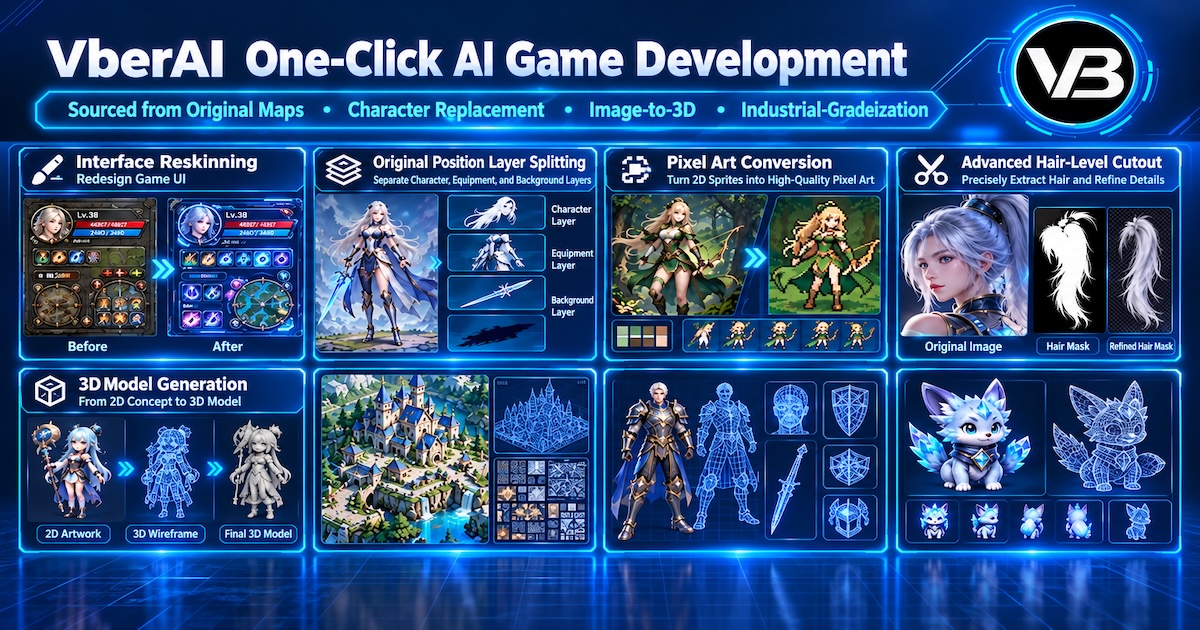
VberAI Studio (not Google AI Studio) keeps game UI and art on one canvas. This page says what each feature does, what you see, and shows the result. Each section links to the full guide.
Open AI Studio.
Feature map
| Feature | What you see | Guide |
|---|---|---|
| AI image generation | A game image from text, a reference, or a preset | Image generation |
| In-place slice | A full screen split into elements, with only the background left | In-place slice |
| Reskin | The same layout, a new visual theme | Reskin |
| UI translation | New copy, the same layout | UI translation |
| Pixelation | The same assets as pixel art | Pixelation |
| Matting | Glow, particles, and translucent edges kept on a transparent PNG | Matting |
| Sequence frames and video | A result on the canvas that you can crop and split into frames | Frames and video |
| Audio | Music, voice, and sound effects on the same canvas as the picture | Audio layers |
| 3D models | A previewable model from an image or from text | 3D generation |
| Bitmap fonts | Glyphs or a sprite sheet exported as BMFont | Bitmap fonts |
| Into the engine | Assets exported to Unity, Godot, and Cocos | Unity MCP install |
1. AI image generation
Image generation covers text-to-image, image-to-image, and presets. The result stays on the game canvas, so you can keep editing, slicing, or exporting it. The step does not end at a download.
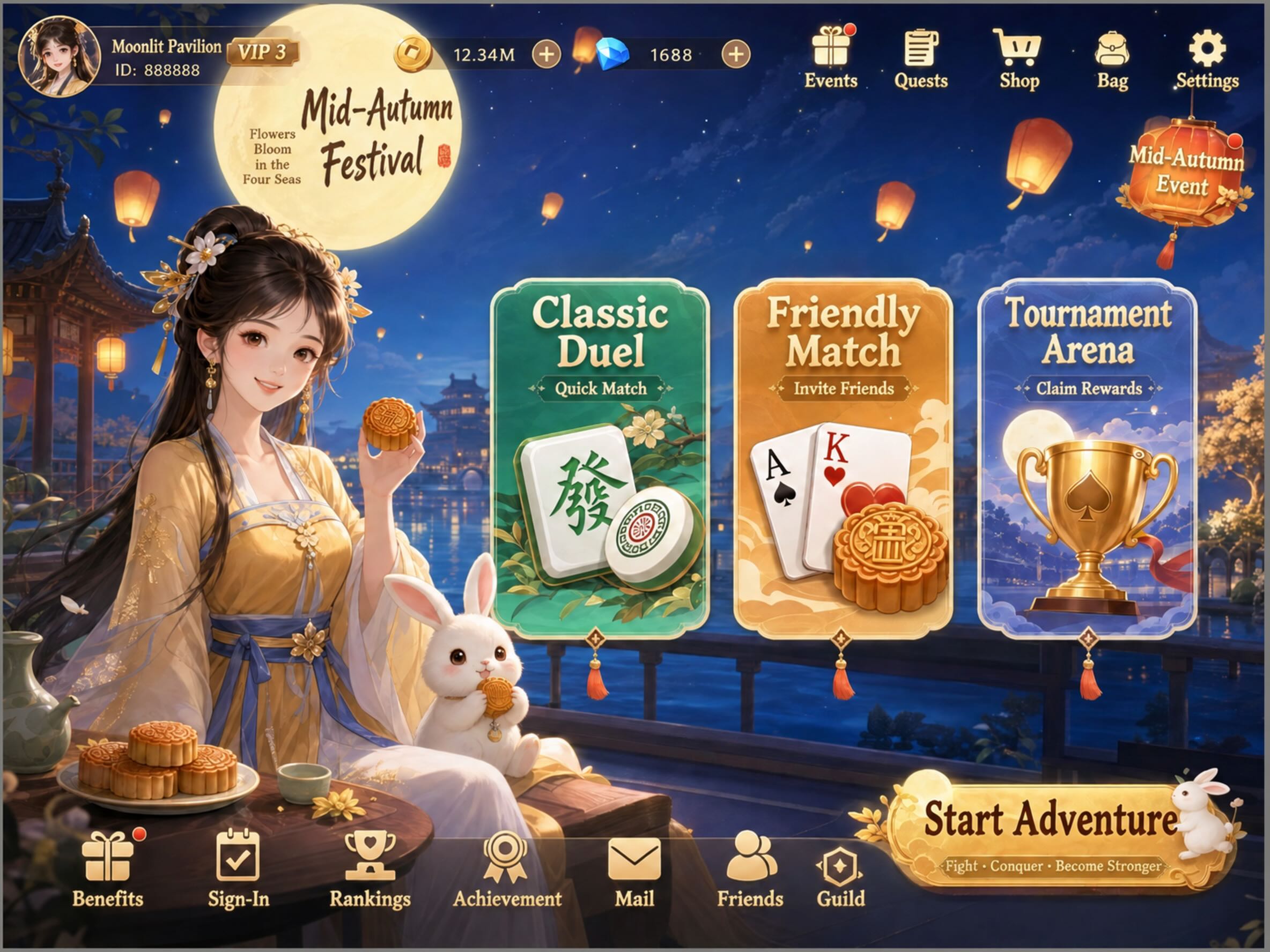
Guide: AI image generation.
2. In-place slice
A full screen can be split on its original coordinates. Buttons, the character, and icons leave their places, and only the background remains, with no UI controls on it. Relative position and size stay with the split, so you do not line the pieces up against the mockup by hand after import.
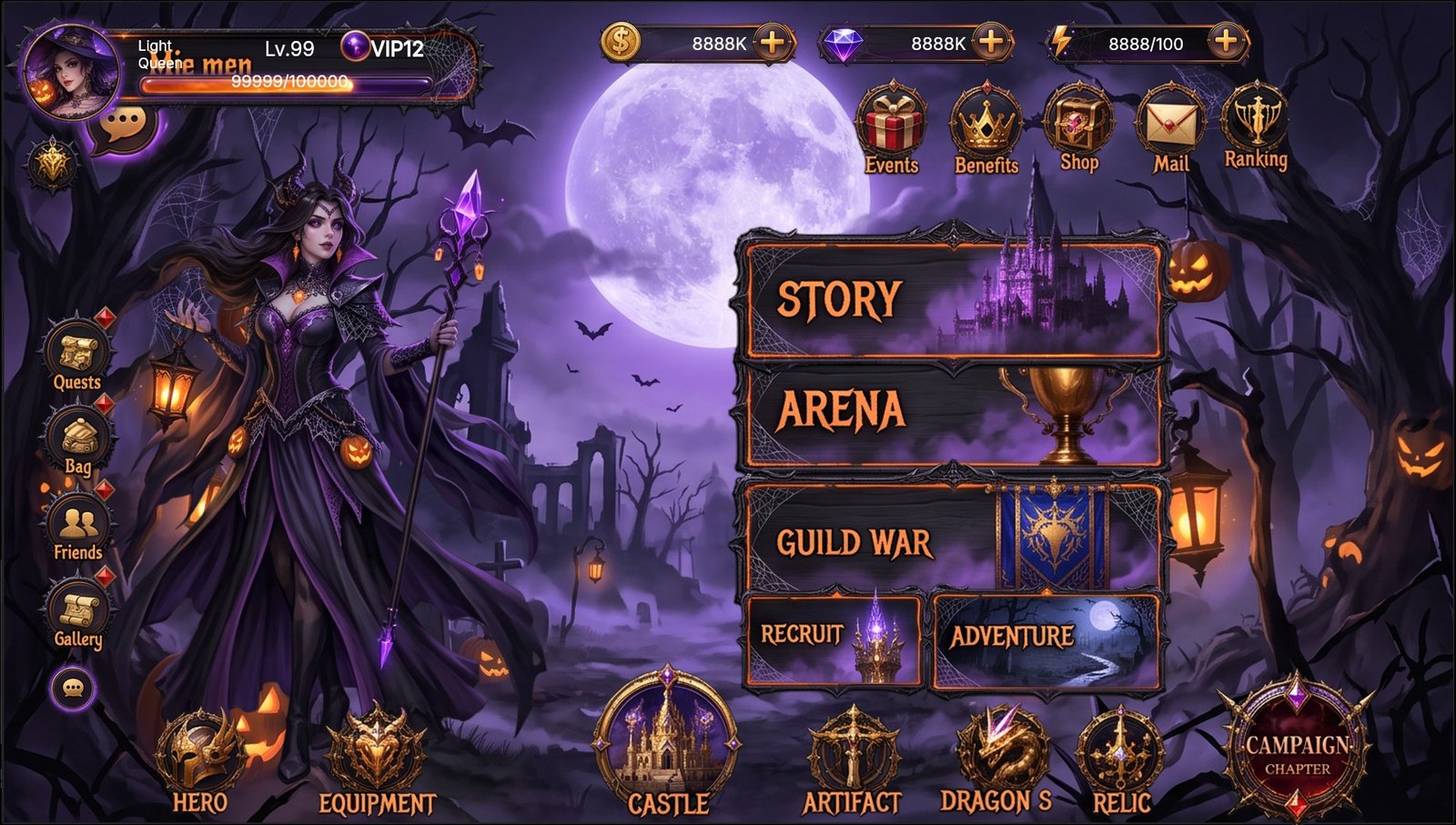
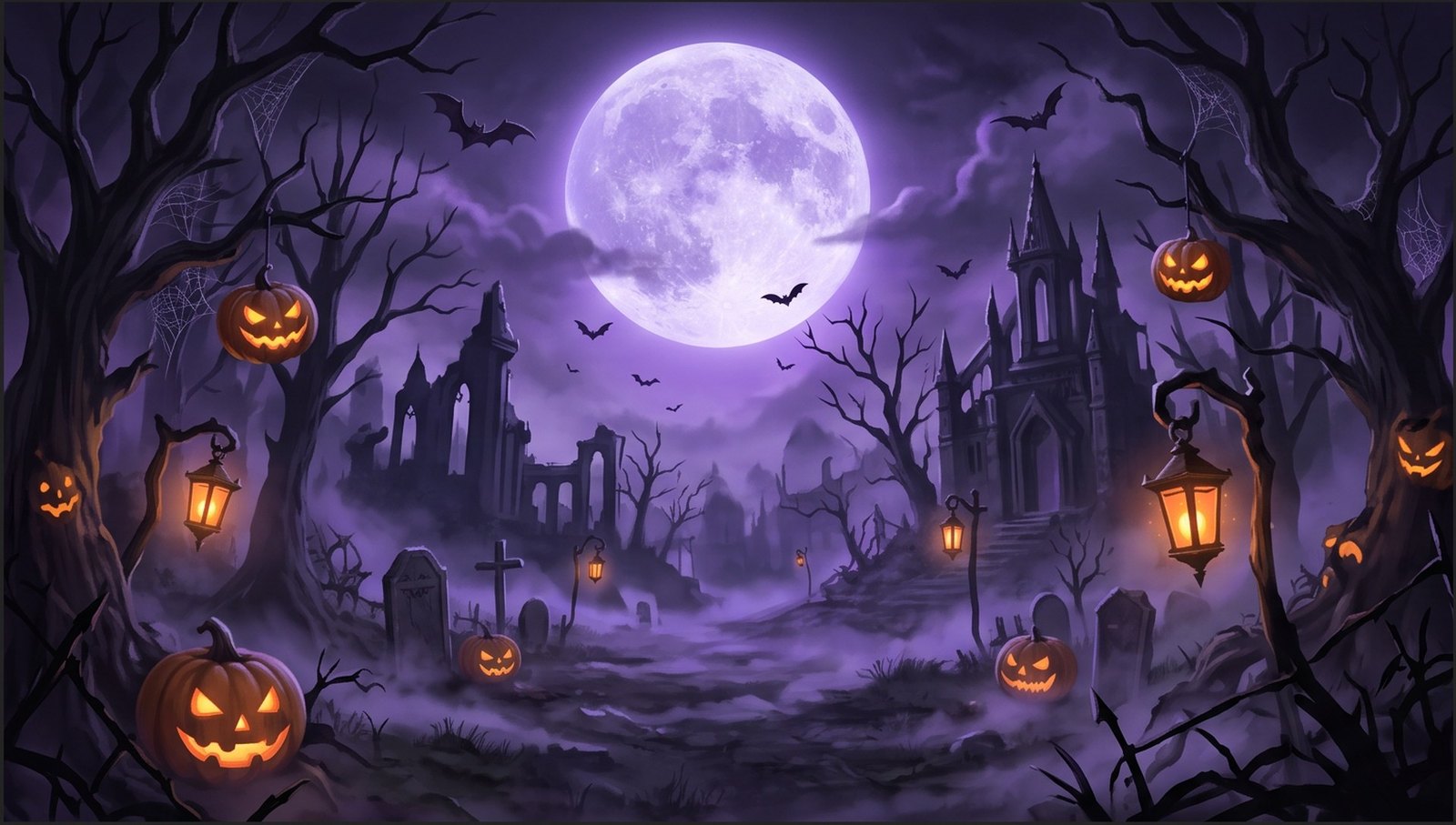
Guide: In-place slice.
3. Reskin
Reskin redraws the visual theme of a full screen. Layout, position, size, and hierarchy stay. This pair is the same cartoon main menu: an outdoor scene before, a seasonal theme after, with buttons and entries still in place.
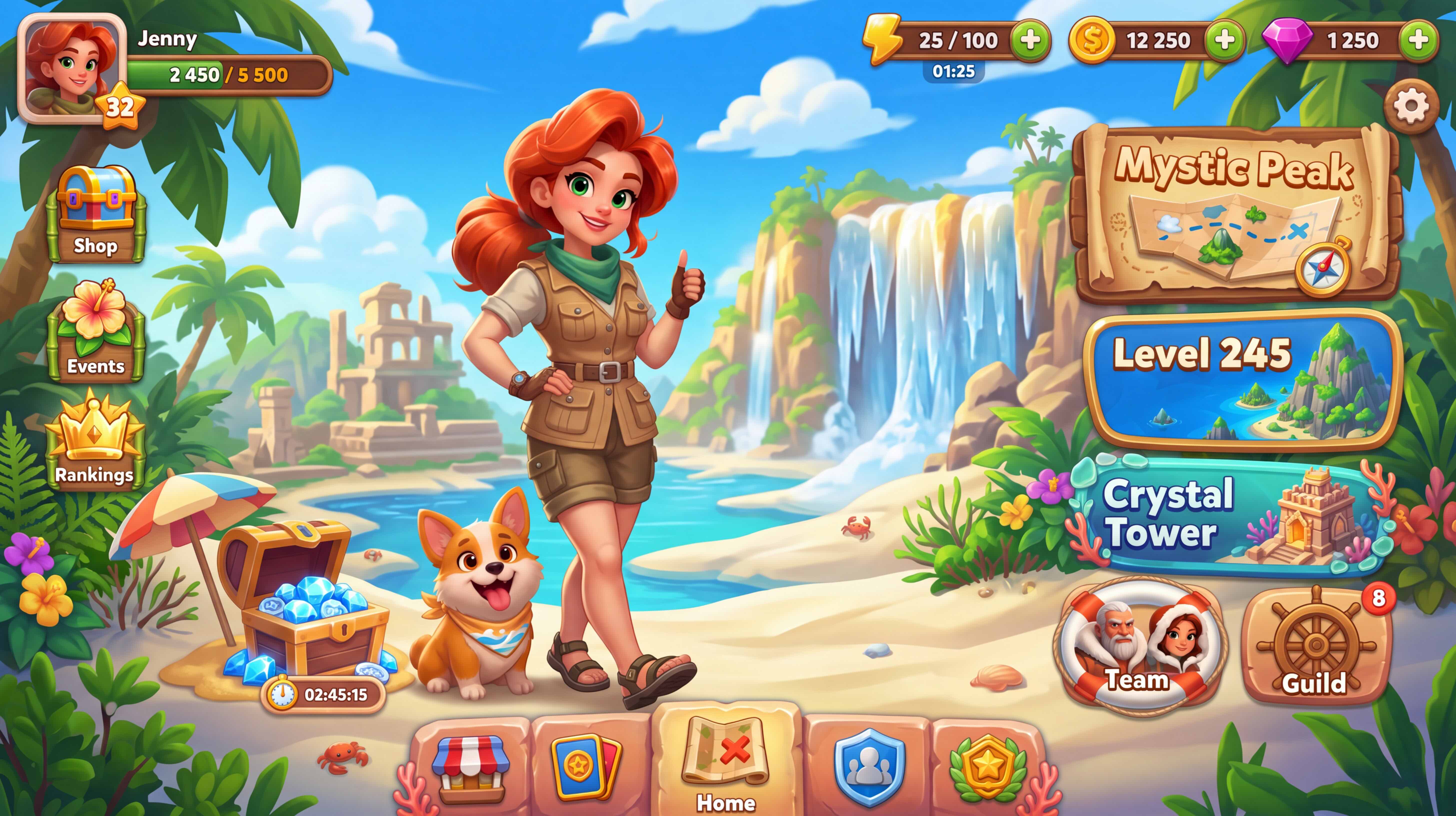
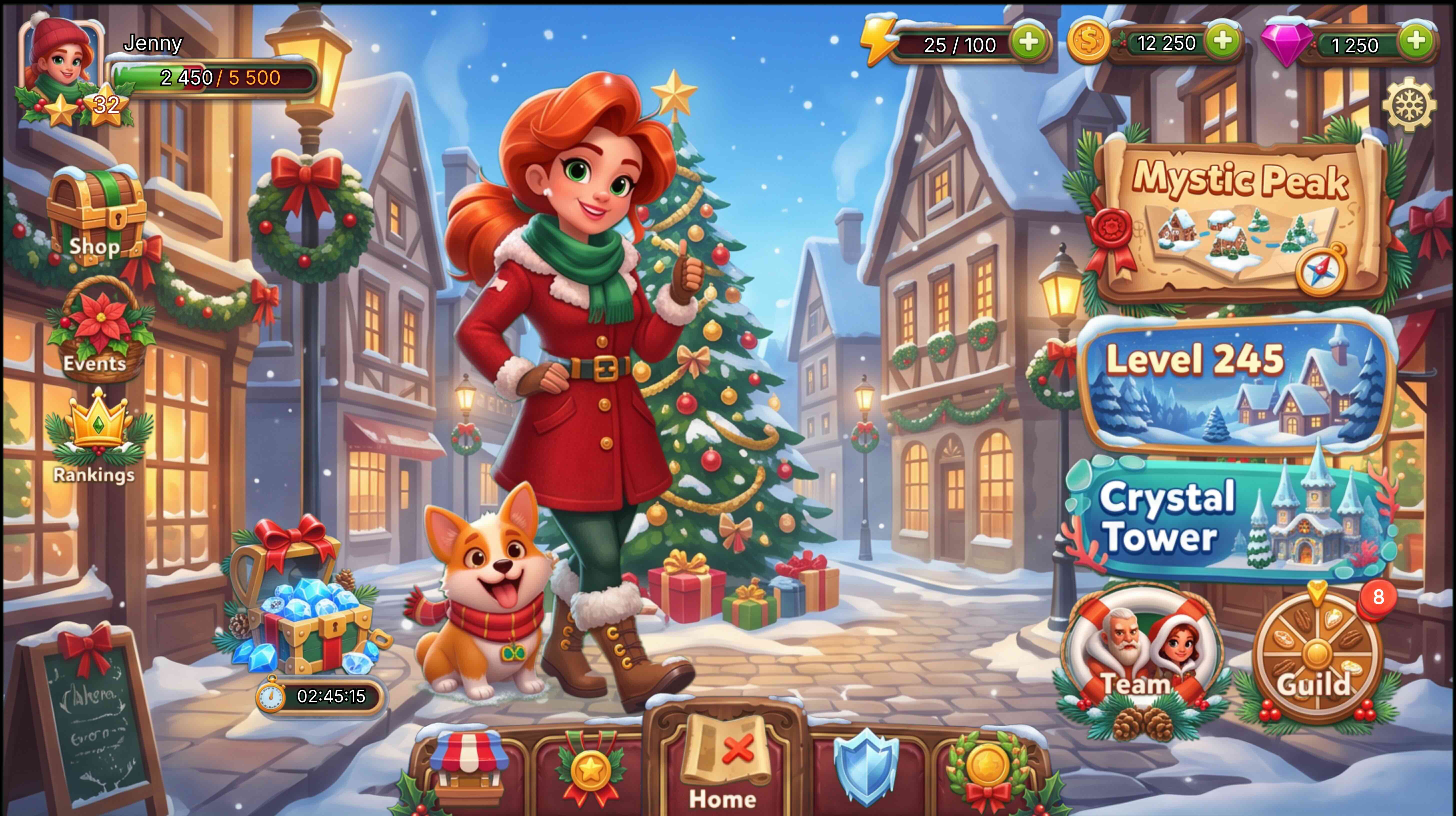
Guide: Reskin.
4. UI translation
UI translation replaces the interface copy only. Layout, visual structure, and hierarchy stay, so you do not rebuild the screen for each language.
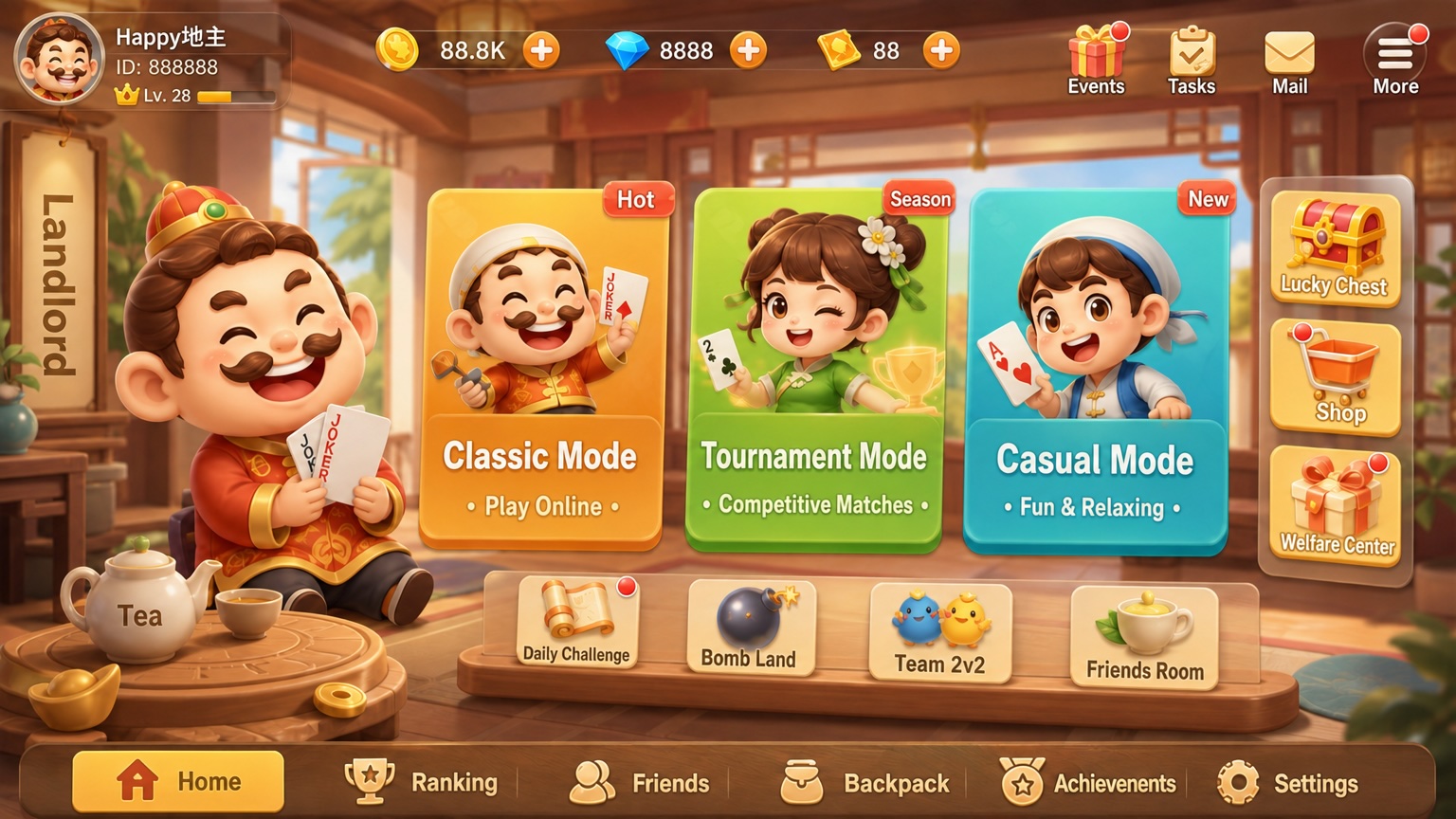
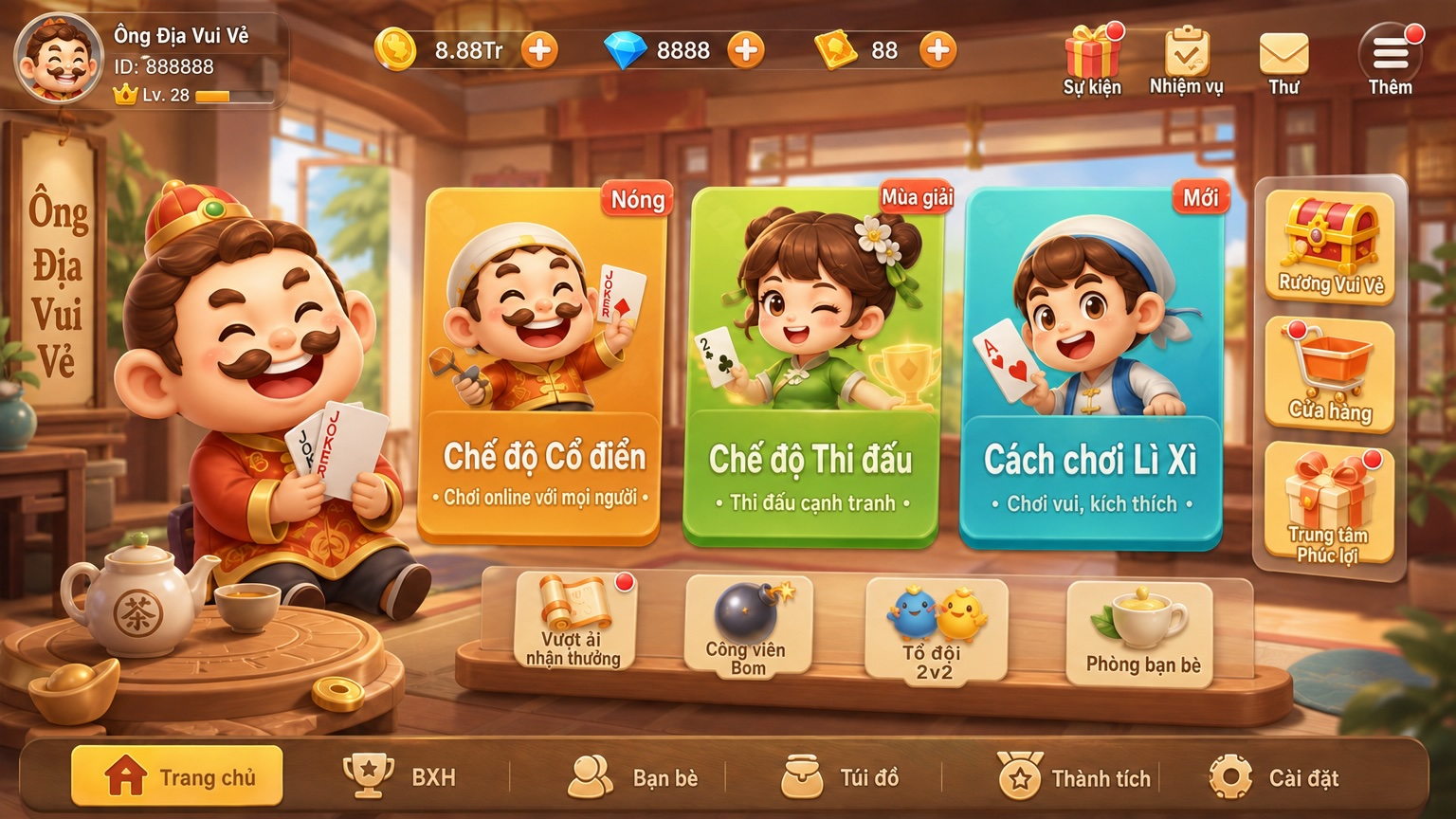
Guide: UI translation.
5. Pixelation
Pixelation turns high-resolution characters, props, and scenes into pixel art. Pixel-block size, palette size, and color treatment are adjusted on the canvas. This pair is the same set of assets before and after.
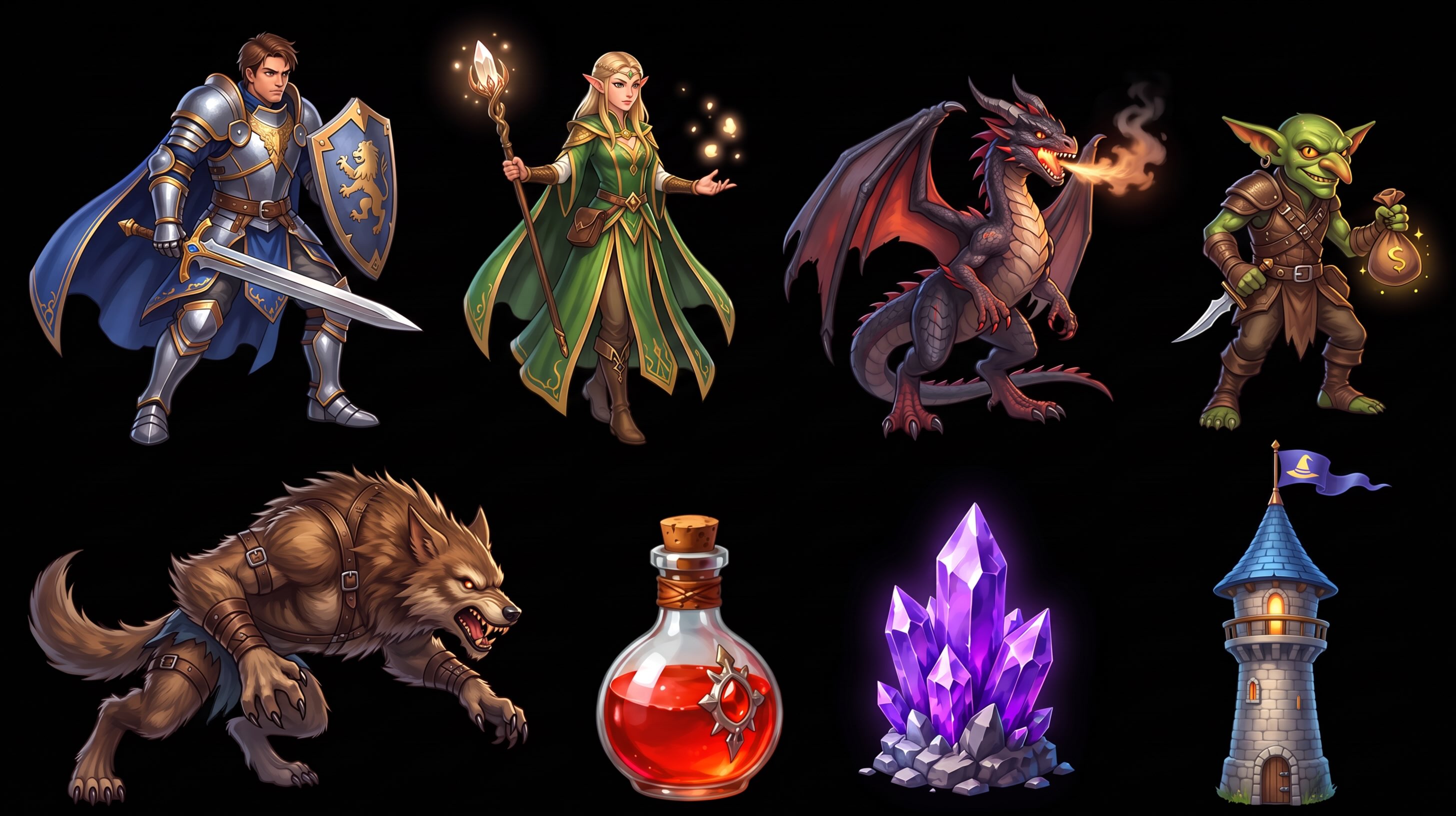
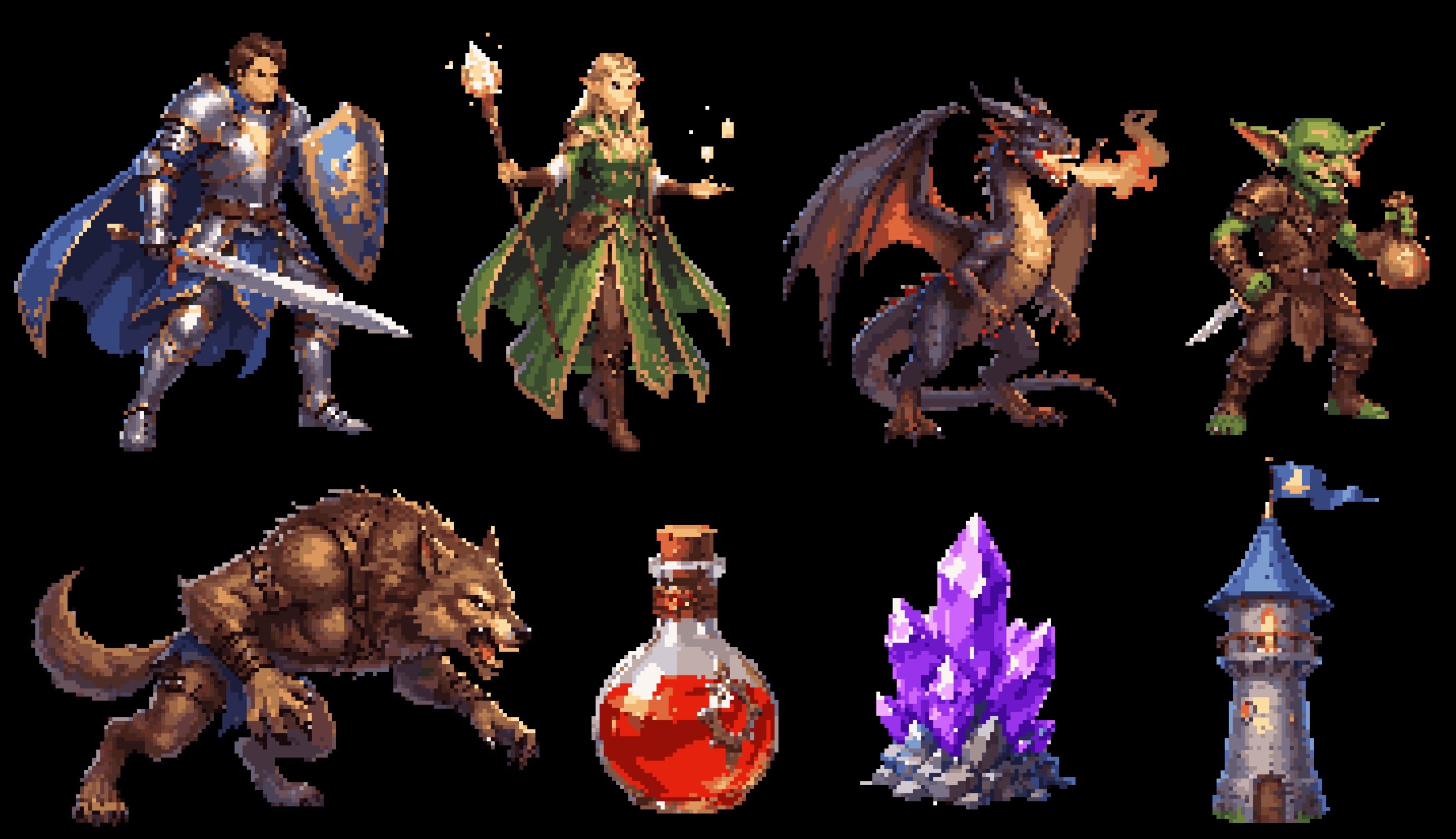
Guide: Pixelation.
6. Matting
Matting is built for game art, especially skill glow, particles, and translucent lit edges. The output is a PNG with an alpha channel. Complex backgrounds, hair, and shadows use higher-precision modes. The matting page lists the three modes.
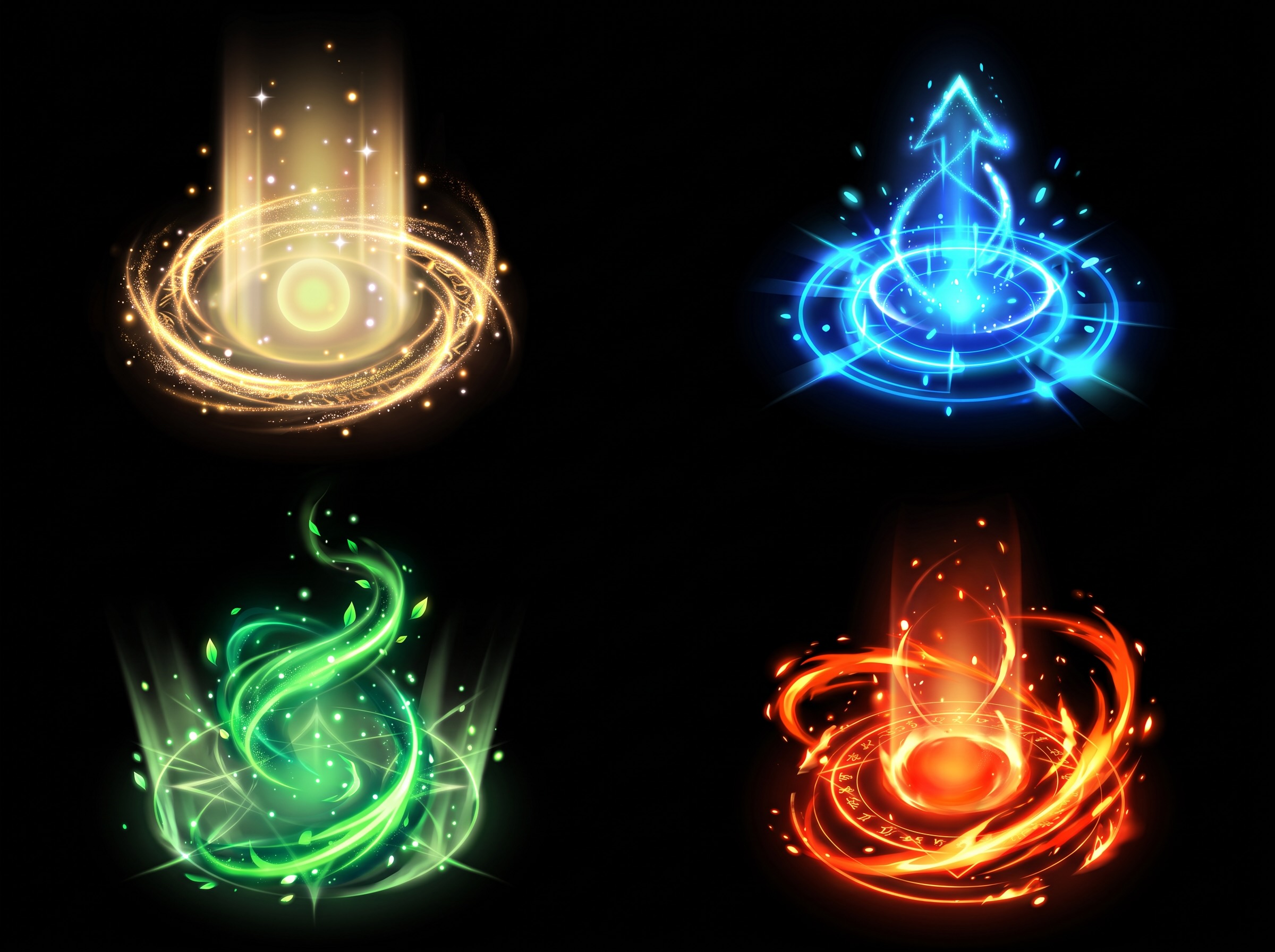
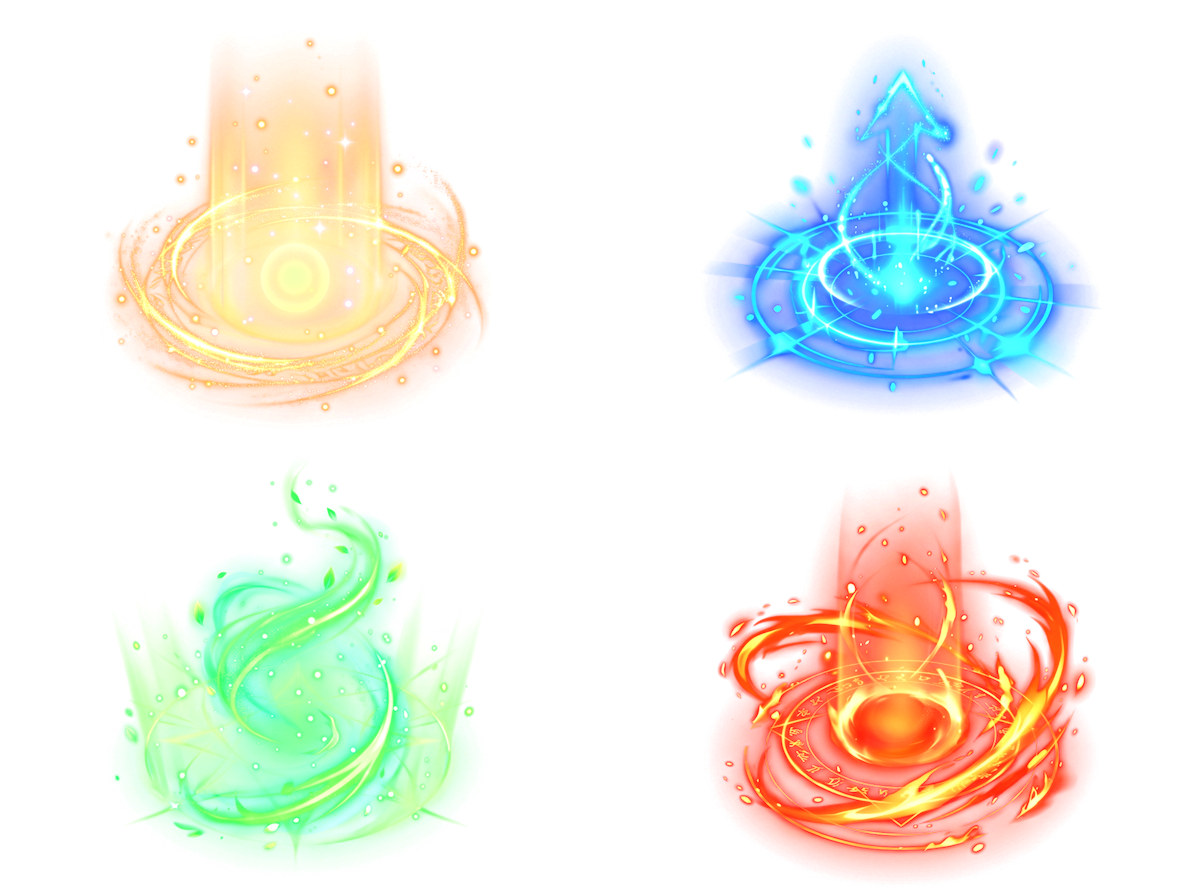
Guide: Matting.
7. Sequence frames and video
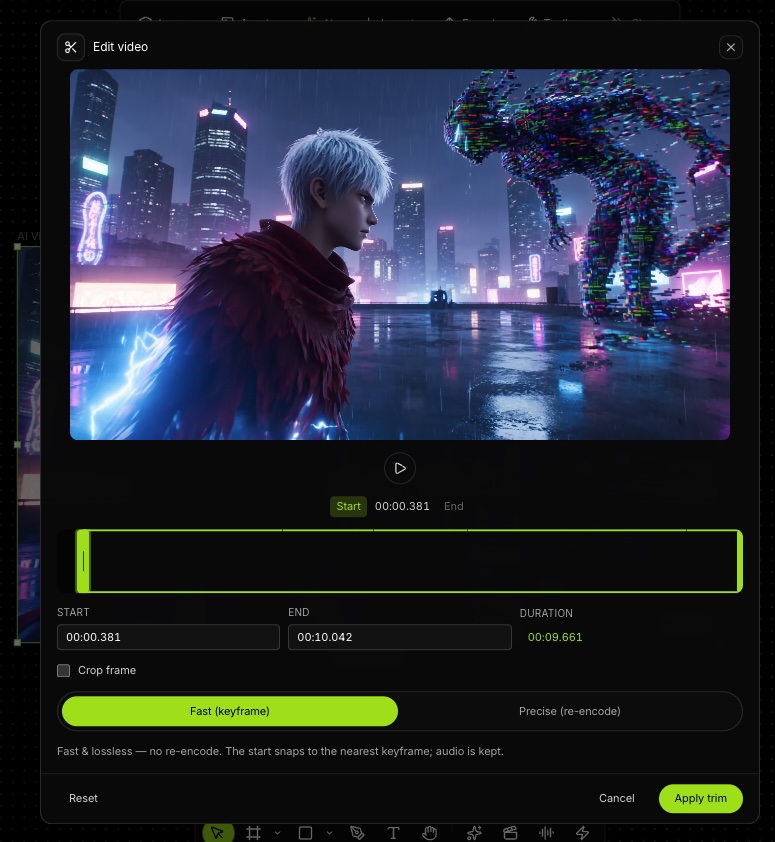
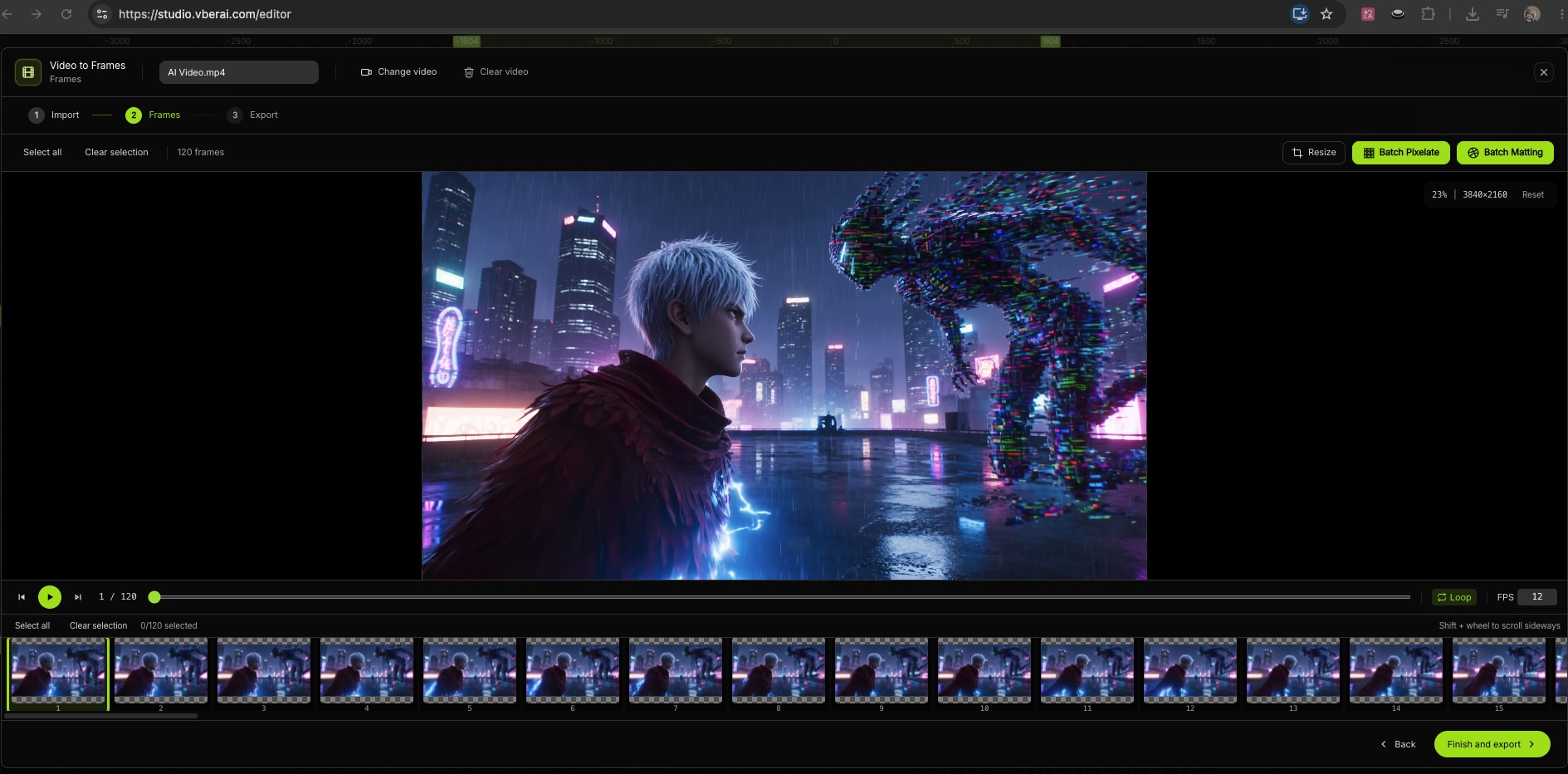
Sequence frames and video can be generated from text, an image, or a first and last frame. The result lands on the canvas, where you can crop it and split it into frames, then hand it to Unity, Godot, or Cocos. It does not replace Timeline or Sequencer in the engine.
Guide: Sequence frames and video.
8. Audio
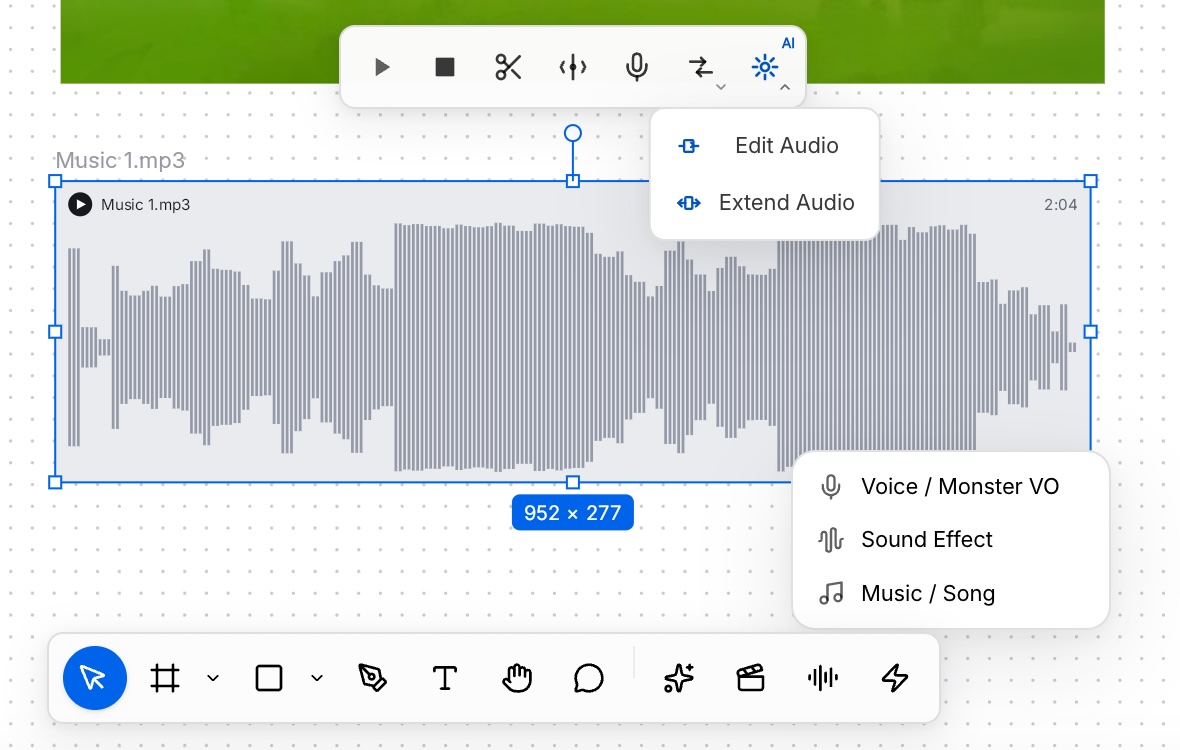
Music, voice, and sound effects can sit on the same canvas as the picture, arranged as audio layers. Text can generate game sound effects and character voices.
Guide: Audio layers.
9. 3D models
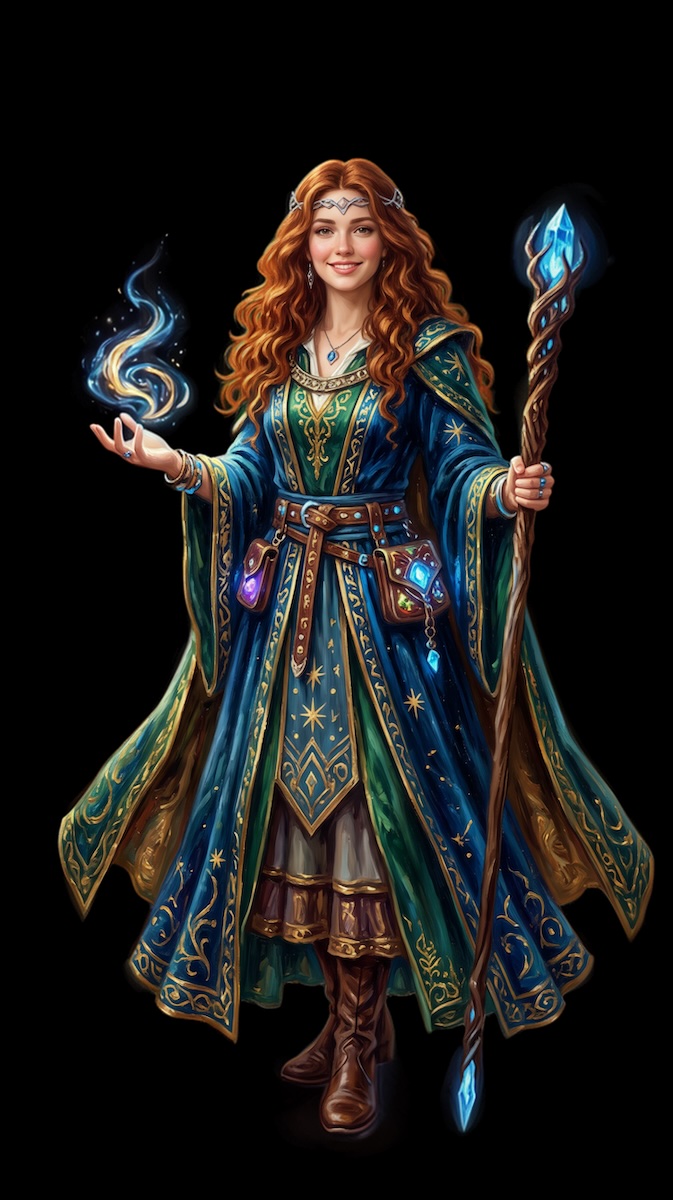
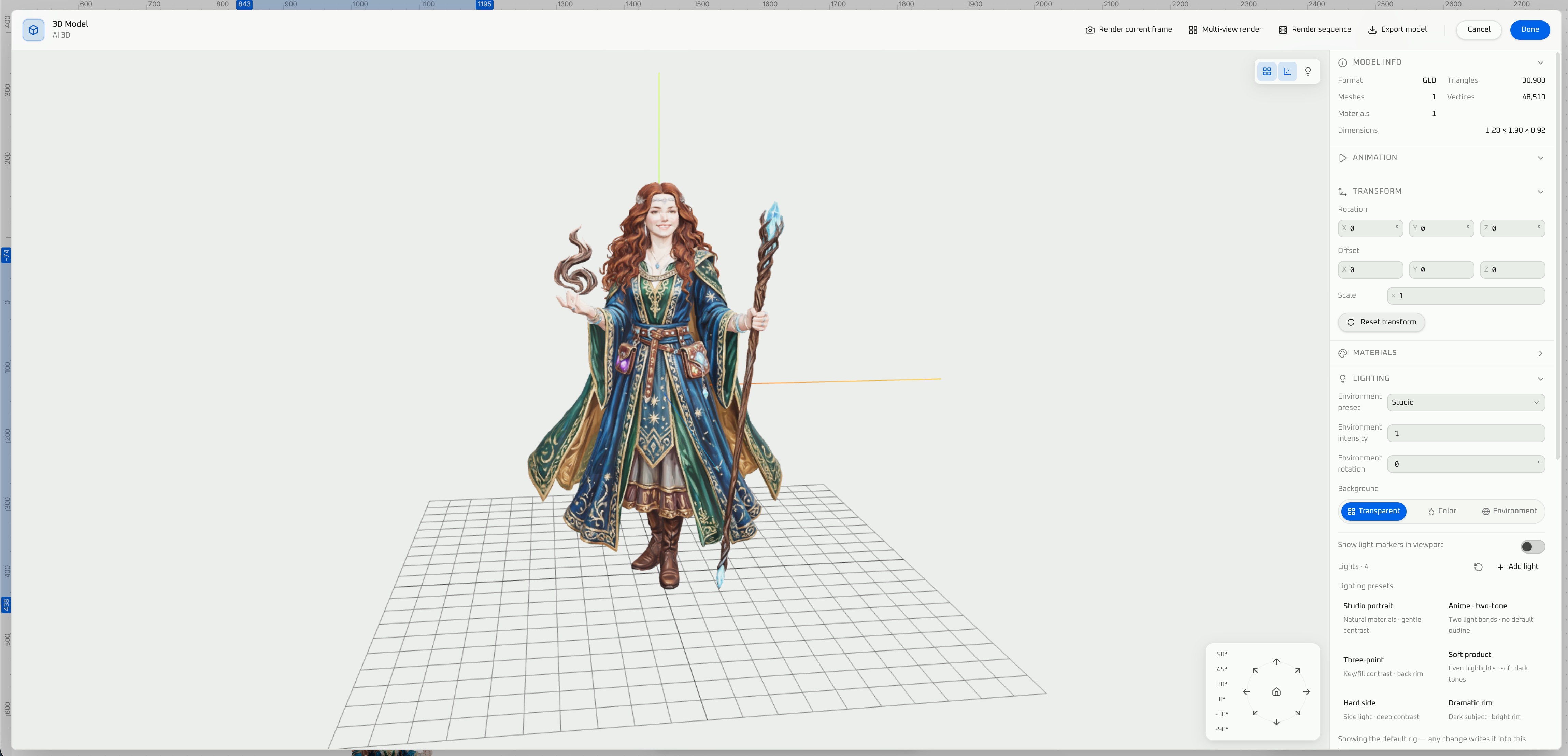
3D covers image-to-3D and text-to-3D. After generation you preview the model in the 3D workspace and export GLB, FBX, or USDZ. Below are a reference image and the model preview made from it.
Guide: 3D model generation.
10. Bitmap fonts
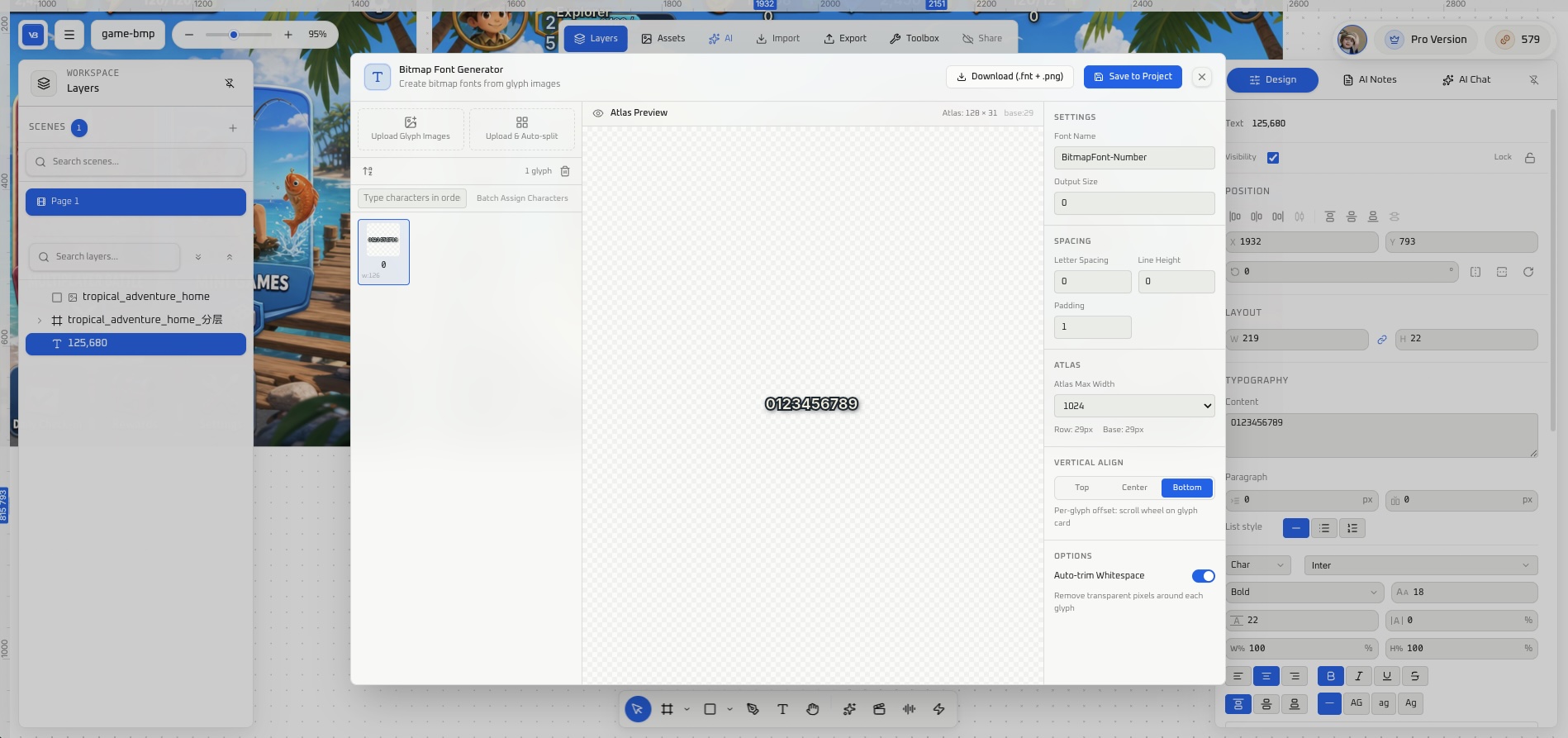
The bitmap font generator takes glyph images or a sprite sheet and outputs AngelCode BMFont (.fnt and PNG) for Unity, Godot, or Cocos.
Guide: Bitmap font generator.
11. Write into the engine
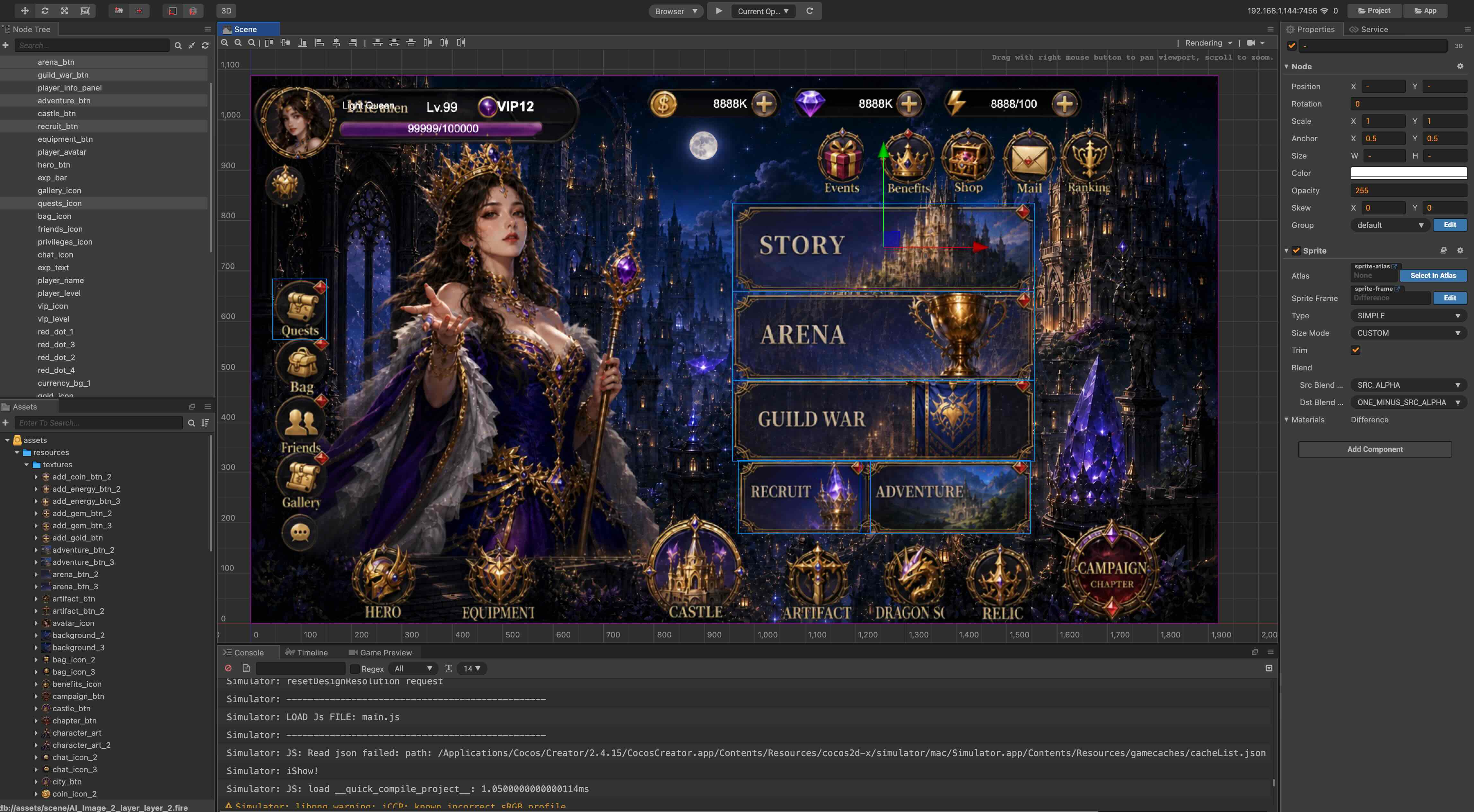
Sliced and generated results can be exported to Unity, Godot, or Cocos. To change the current scene from Cursor, use that engine’s MCP. The picture below is an in-place slice after import: the same screen sits in the editor, with the layer list beside it. Button navigation and numeric values still need logic in the scene.
Install: Unity MCP, Godot MCP, Cocos Creator MCP. For one screen taken through four steps, see one UI, from image to a Unity scene.
Limits
- This page is a map. Parameters, input limits, and checks live in each feature guide.
- Slice, matting, and pixelation quality depend on how clear the source is, and on whether control or subject edges are readable.
- Reskin and translation keep the layout. If longer copy overflows, check it in the target language.
- A finished export is not button navigation or numeric updates. Those still need logic in the engine scene.
Wrap-up
Image generation, slicing, reskin, translation, pixelation, matting, sequence frames, audio, 3D, and bitmap fonts can stay on one canvas, or be used on their own. When the assets need to ship, export them to Unity, Godot, or Cocos. Open AI Studio.
FAQ
What is VberAI Studio? VberAI Studio is a game-art canvas, not Google AI Studio. On one canvas it covers AI image generation, in-place UI slicing, reskin, UI translation, pixelation, matting, sequence frames, audio, 3D models, and bitmap fonts. Results can be exported to Unity, Godot, or Cocos.
Can VberAI Studio translate a game UI without rebuilding the screen? Yes. UI translation replaces the interface copy only. Layout, visual structure, and hierarchy stay. If longer copy overflows, check it in the target language. Guide: UI translation.
What is in-place UI slicing? A full screen is split on its original coordinates. Buttons, the character, and icons leave their places, and only the background remains, with no UI controls on it. Relative position and size stay with the split. Guide: In-place slice.
Do reskin and UI translation change the layout? No. Both keep layout, position, and hierarchy. Reskin changes the visual theme. Translation changes the copy.
Does an export to Unity, Godot, or Cocos include button logic? No. The export places the sliced or generated assets in the engine. Button navigation and numeric updates still need logic in the scene. From Cursor, that scene is changed through the engine’s MCP. One screen through four steps: one UI, from image to a Unity scene.
Keep reading
More guides you might like
VberAI Studio: Text-to-3D & Image-to-3D — GLB, Rigging, Unity Export
VberAI Studio AI 3D generation: text/image-to-3D, PBR, GLB/FBX/USDZ, retopo, 100+ motions, 3D animation, 3D print/STL. Free trial; Unity, Godot, Cocos export.
- vberai
- ai-studio
- 3d-model
- text-to-3d
ChinaJoy 2026: Notes from the VberAI Booth in Hall W5
VberAI at ChinaJoy 2026 (Shanghai New International Expo Centre, Hall W5): visitors and decision-makers, brochures gone on day one, strong interest from Russian clients, talks with a Korean 3D asset firm, and next month’s game 3D asset generation with possible pipeline docking.
- ChinaJoy
- VberAI
- AI Studio
- 3D assets
VberAI Bitmap Font Generator: Upload Glyphs or Split Sprite Sheets to BMFont
VberAI Studio bitmap font generator: upload glyph images or sprite sheets with auto-split, export AngelCode BMFont (.fnt + PNG), edit on canvas, import to Unity / Godot / Cocos.
- vberai
- ai-studio
- bitmap-font
- bmfont