
Free Background Removal in VberAI: Glow / VFX / Semi-Transparent Cutouts with PNG + Alpha
VberAI AI Super Matting has three modes: free matting for solid-color and game glow FX, AI background removal for complex scenes up to 4096×4096, and Super AI matting for hair, semi-transparent edges, and shadows—with transparent PNG plus Alpha.
- vberai
- ai-super-matting
- matting
- super-matting
- background-removal
- glow-fx
- alpha-channel
- game-art
- free-tool
- tutorial
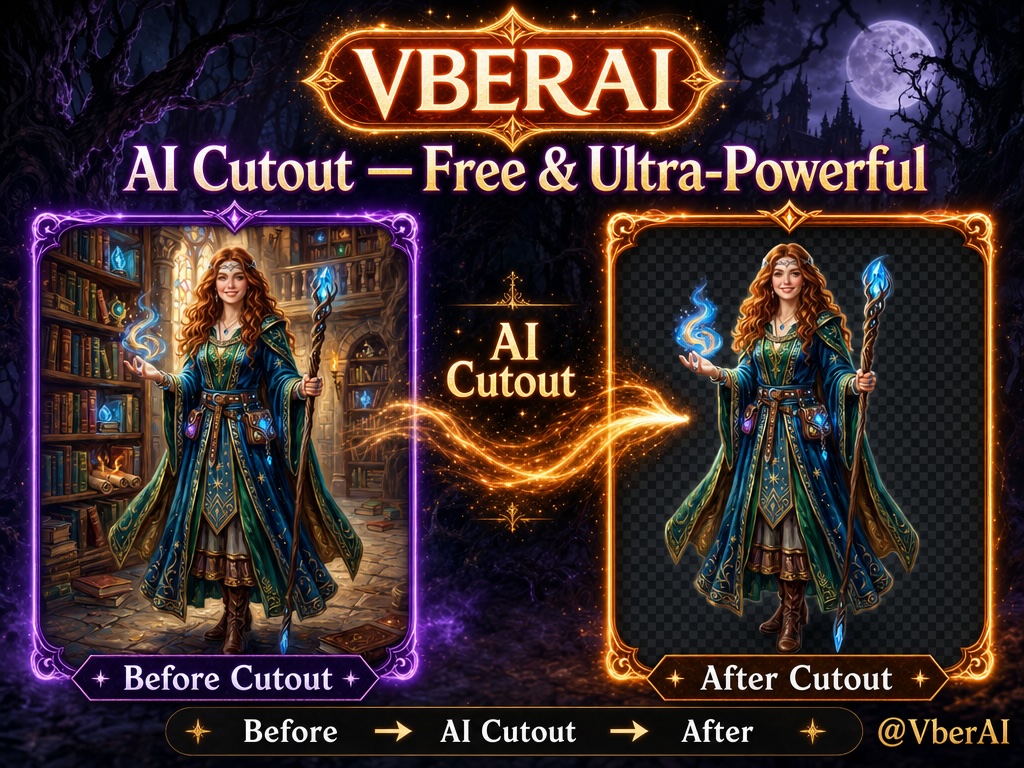
VberAI AI Super Matting is an in-browser cutout tool built for game art. It offers three modes: Free matting (solid-color / glow FX cutout, no credits), AI background removal (complex scenes, auto subject detection, up to 4096×4096), and Super AI matting (hair, semi-transparent edges, shadows—high-precision model that outputs a transparent image and an Alpha channel). Skill halos, particles, fire, and soft glow edges can be preserved with a real PNG alpha.
Open: AI Super Matting.
| Spec | Detail |
|---|---|
| Product | VberAI AI Super Matting (online, in-browser) |
| Modes | Free matting · AI background removal · Super AI matting |
| Free-mode credits | Free |
| Formats | PNG · JPG · WebP |
| Input limits | 10 MB · 12 MP (AI background removal up to 4096×4096) |
| Output | PNG alpha; Super mode also exports a separate Alpha channel |
| Tunable params | Background color, background tolerance, glow keep, edge feather |
| Typical assets | Skill FX, particles, fire, halos, hair-detail characters, translucent materials |
| Downstream | AI Studio canvas, or straight into Unity / Godot / Cocos |
Why game-asset matting differs from generic removers
Generic removers target portraits and products: clear subject, separable background. Game assets fail for other reasons:
- Glow / VFX — skill halos, particles, and fire are semi-transparent light; there is no hard “object edge.” Generic tools wipe the glow or leave a black rim.
- Translucent materials — cloth, glass, smoke need a gradient Alpha, not a 0/1 binary mask.
- Hair and shadows — character keys and promo art have fine edges on complex backgrounds.
- Engines need real Alpha — once the texture hits Unity / Godot / Cocos blend modes, the PNG must carry a true alpha channel—not a fake checkerboard baked into RGB.
VberAI splits these into three modes so you pick by asset type instead of forcing one model onto every case.
How to choose a mode
| Mode | Best for | Input look | Output | Credits |
|---|---|---|---|---|
| Free matting | Game glow, skill FX, particles, soft light assets | Solid or near-solid background | PNG alpha | Free |
| AI background removal | Characters, props, scene elements on complex backdrops | Complex background, up to 4096×4096 | PNG alpha | Per panel |
| Super AI matting | Hair, semi-transparent edges, shadows, high-precision needs | Any background | Transparent image + Alpha channel | Per panel |
One-liner: solid-bg glow → Free matting; complex-bg solid subject → AI background removal; hair-level edges → Super AI matting.
1. Free matting: built for glow and FX
This is the tier most teams overlook—and the one game FX needs most. Effect plates are often black, white, or single-color when rendered or exported; a generic AI remover treats the glow rim as background. Free matting works differently:
- Glow-background detection — finds solid or near-solid FX backdrops.
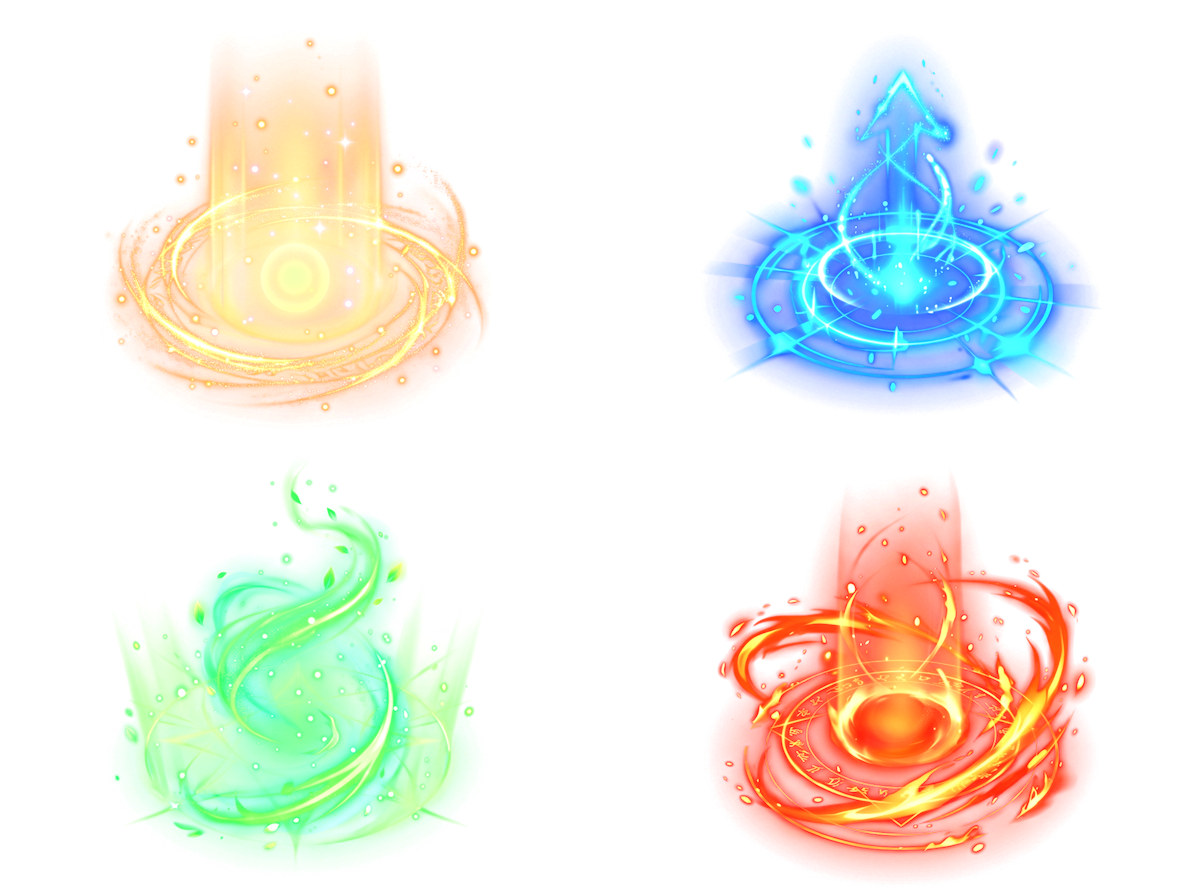
- Keep soft light edges — skill halos, particles, fire, and translucent glow keep a gradient Alpha instead of a hard cut.
- Transparent output — full PNG alpha ready for engine additive / blend overlays.
- Free — no credits.
Before:
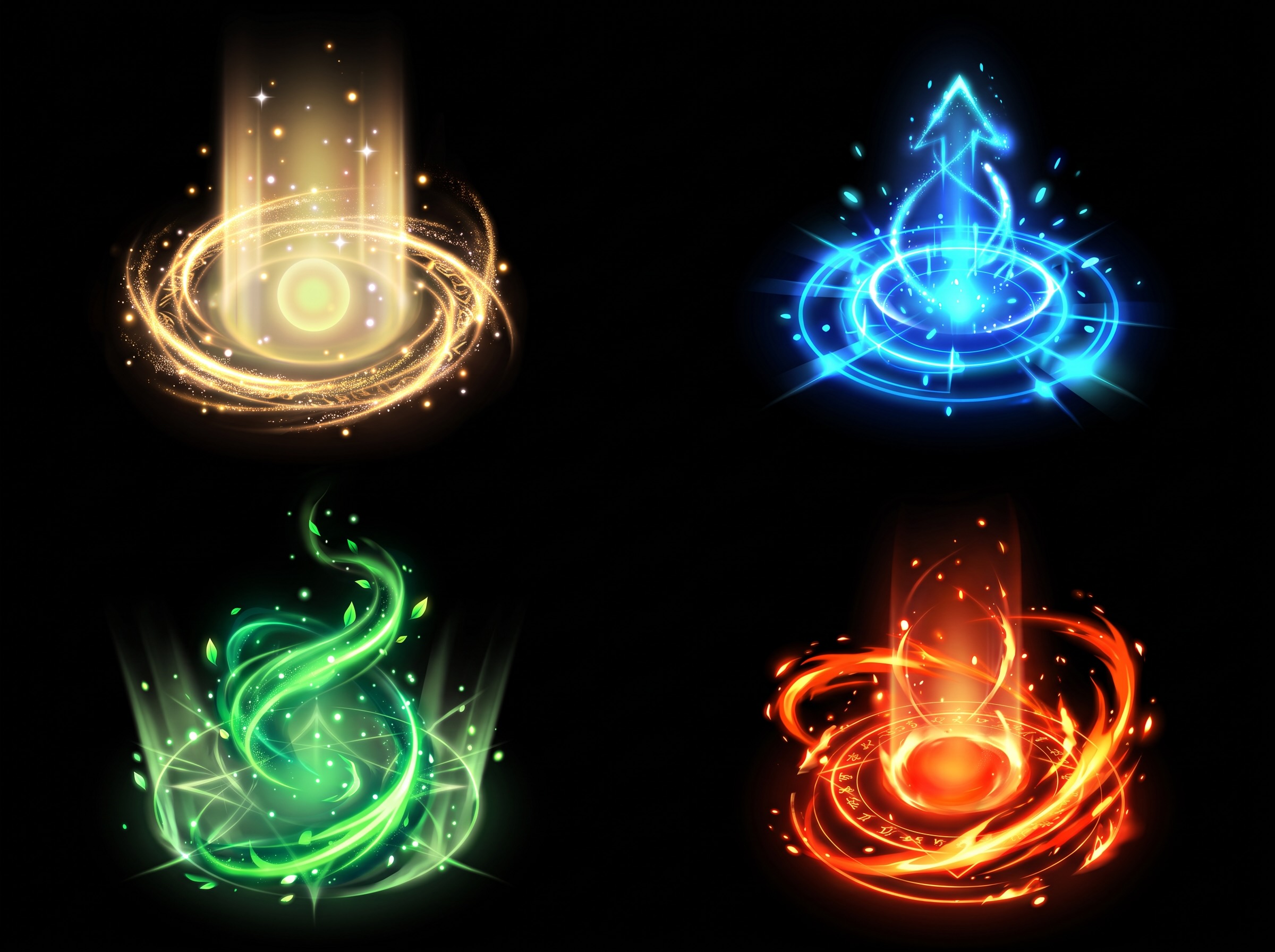
After:
Tunable parameters:
| Parameter | Role |
|---|---|
| Background color | Which base color to remove (black / white / custom) |
| Background tolerance | How far near the base color counts as background; raise for near-solid plates |
| Glow keep | How strongly glowing regions keep Alpha |
| Edge feather | Softens the transition; reduces jaggies and hard rims |
2. AI background removal: complex scenes in one pass
When the plate is not a solid color—character art with a scene, photographed or generated props—use AI background removal. The model detects elements and strips the backdrop, up to 4096×4096. Good for character keys, prop concepts, and promo art before cataloging.
Before:
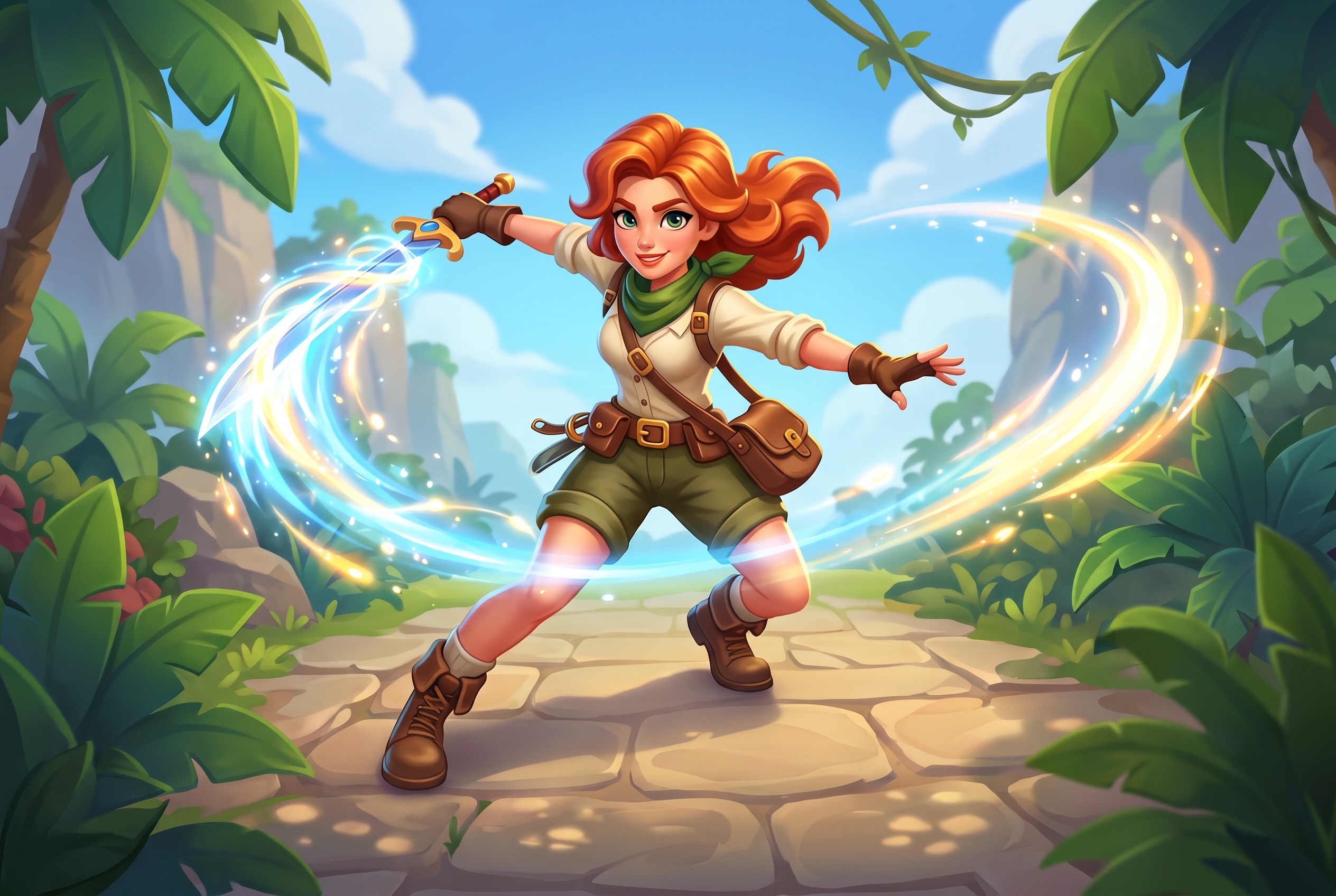
After:
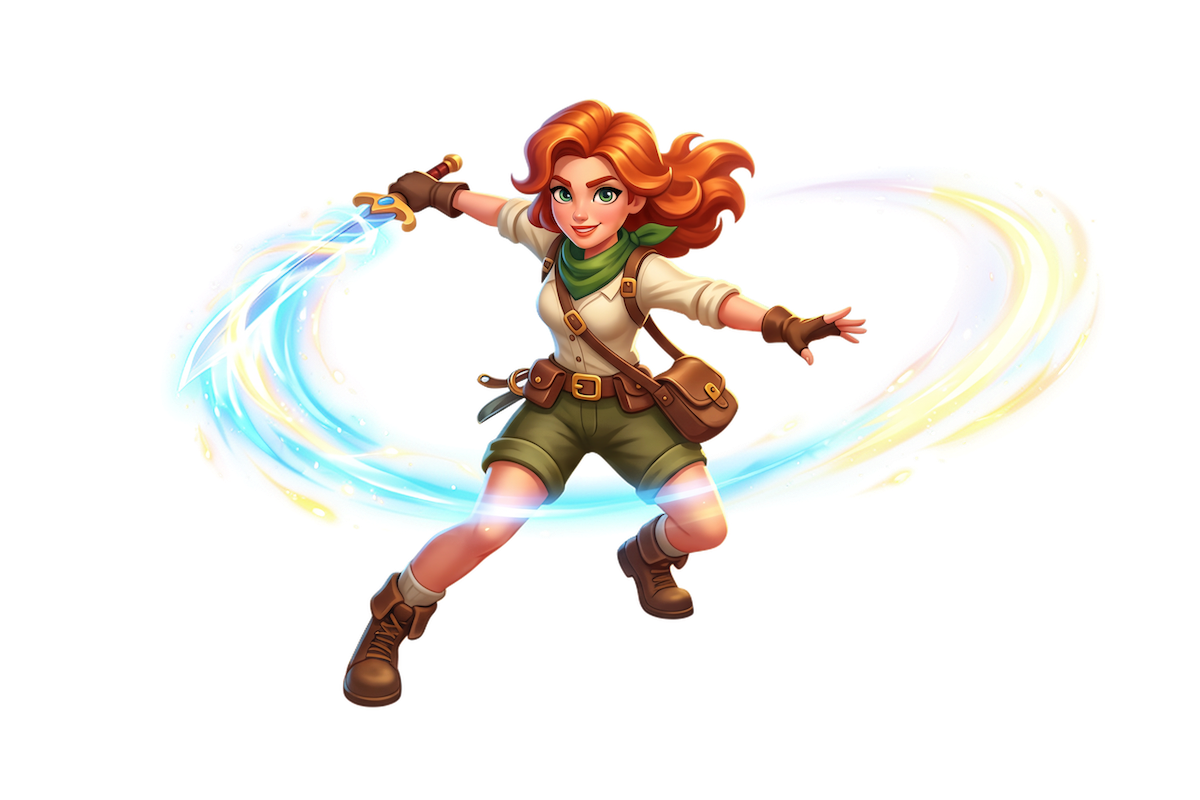
3. Super AI matting: hair, translucency, shadow-level precision
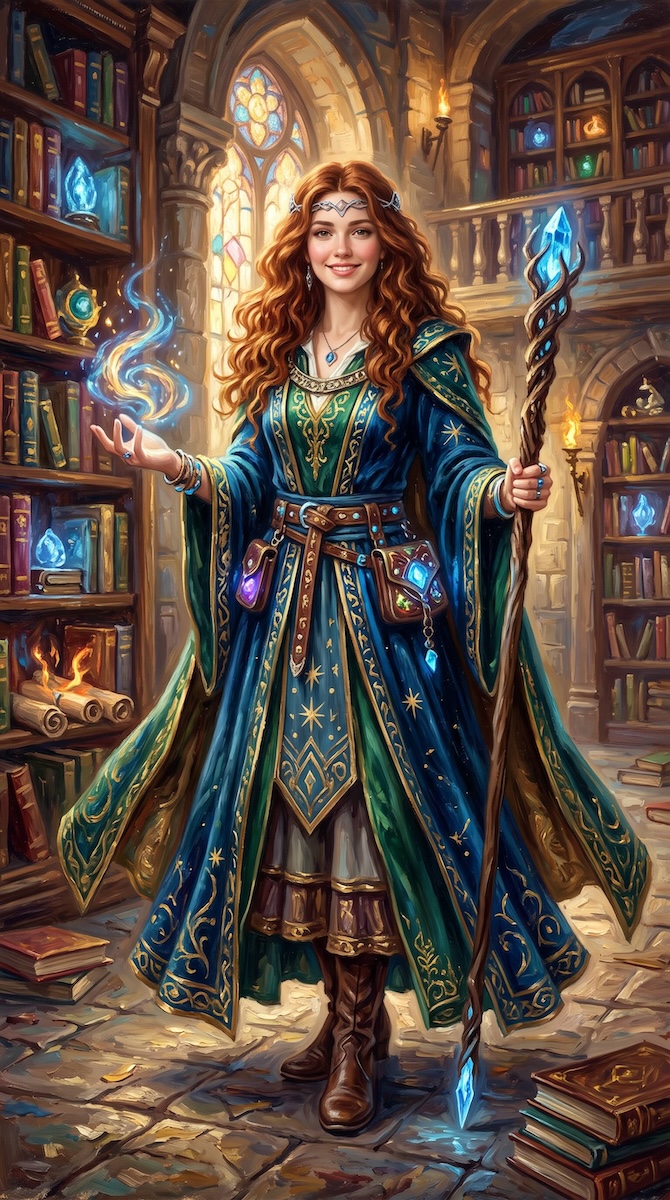
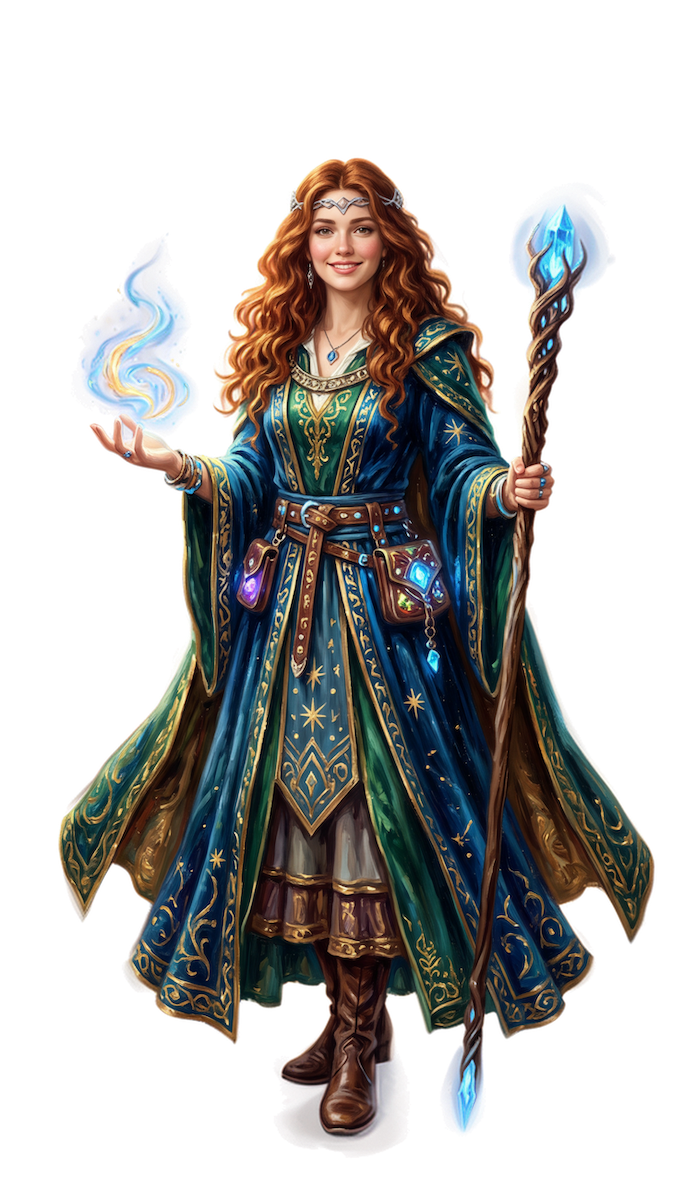
When edge quality matters, use Super mode: hair strands, translucent fringes, shadows, and busy backgrounds go through a high-precision matting model that outputs both a transparent image and an Alpha channel. The separate Alpha is handy for masks, outlines, and drop shadows in engines or compositors.
| Before | After |
|---|---|
 |  |
Workflow
- Open AI Super Matting.
- Upload PNG / JPG / WebP (within 10 MB · 12 MP).
- Pick a mode: glow / solid plate → Free matting; complex backdrop → AI background removal; hair-level precision → Super AI matting.
- In Free mode, tune background color, tolerance, glow keep, and edge feather; preview the edge.
- Download the transparent PNG (Super mode can also export Alpha).
- Continue in AI Studio for edit / split, or import straight into Unity / Godot / Cocos.
After the cutout: canvas or engine
Matting is prep, not the finish line. Two common next steps:
- AI Studio canvas — keep FX / characters on the same board for image pixelate, layer split, then export to engine.
- Straight to engine — use the transparent PNG as a Sprite / particle texture; for action frame sheets see sprite sheets vs video frame extract.
Boundaries
- Free matting targets solid or near-solid backgrounds; if the backdrop itself has gradients or texture, switch to AI background removal or Super mode.
- Always check Alpha in-engine: Additive / Alpha Blend, premultiplied Alpha, and atlas padding follow your project rules.
- Mode names, credits, and size caps follow the live tool page.
- VberAI Studio ≠ Google AI Studio; see the comparison.
Wrap-up
Game-asset matting is less about “where is the subject” and more about keeping glow, translucency, and hair that have no hard edge. VberAI covers that with three modes: Free matting for glow FX, AI background removal for complex scenes, Super AI matting for hair-level precision—all with real transparent PNG, and Super mode with a separate Alpha channel. Open: AI Super Matting.
FAQ
Is VberAI matting free?
Free matting uses no credits and covers solid-color and glow FX cutouts. Credits for AI background removal and Super AI matting follow the tool page.
Can it cut skill FX, particles, and fire?
Yes. Free matting is tuned for game glow and FX: it finds solid / near-solid plates, keeps halos, particles, fire, and soft glow edges, and exports PNG alpha.
Which formats and sizes?
Input PNG, JPG, WebP within 10 MB · 12 MP; AI background removal supports up to 4096×4096.
Does it export an Alpha channel?
All three modes export PNG with transparency; Super AI matting also exports a separate Alpha channel for secondary work in engines or compositors.
How is this different from remove.bg-style removers?
Those tools focus on portraits and products. VberAI targets game art: free glow/FX cutout, AI removal for complex scenes, high-precision hair/translucency, then AI Studio or direct Unity / Godot / Cocos.
Can I drop the result straight into an engine?
Yes. Output is PNG with real Alpha—usable as Sprite / particle textures in Unity, Godot, and Cocos—or continue in AI Studio to edit and split before export.
Keep reading
More guides you might like
VberAI Studio: Game sprite image puzzle vs. video frame splitting, how to integrate with Unity / Godot / Cocos
VberAI Studio generates action video, splits sequence frames on canvas, and delivers to Unity, Godot, and Cocos. Compare GPT Image sprite sheets and open-source DIY pipelines: which saves time, when to use Studio.
- vberai
- ai-studio
- sprite-frames
- sequence-frames
VberAI Audio Guide: Game Voice, SFX, and Music That Iterate Faster
Generate game voice, monster VO, SFX, and music in VberAI Studio: prompt formulas, samples, a gothic dungeon case, tips, and free libraries.
- vberai
- ai-studio
- game-audio
- voiceover
Game UI Design: Traditional Workflow vs AI Art + VberAI Studio In-Place Split
Compare PS/Figma hand slicing with VberAI Studio: import or AI-generate UI, auto split layers, export layered PSD or image sets. Effects, steps, and demo videos.
- game-ui-design
- game-ui-designer-flow
- ui-slicing
- AIGC