
Floating Damage Numbers: Handoff Acceptance and Engine Implementation
Fail criteria when popups blur, miss glyphs, sort wrong, or stutter; choosing TMP vs bitmap digits, pools and Canvas order, Unity UGUI acceptance steps, and how design digit art plugs in.
- game-ui-design
- game-dev-ai
- ui-to-engine
- bitmap-font
- unity
- godot
- cocos
- vberai
- 2026
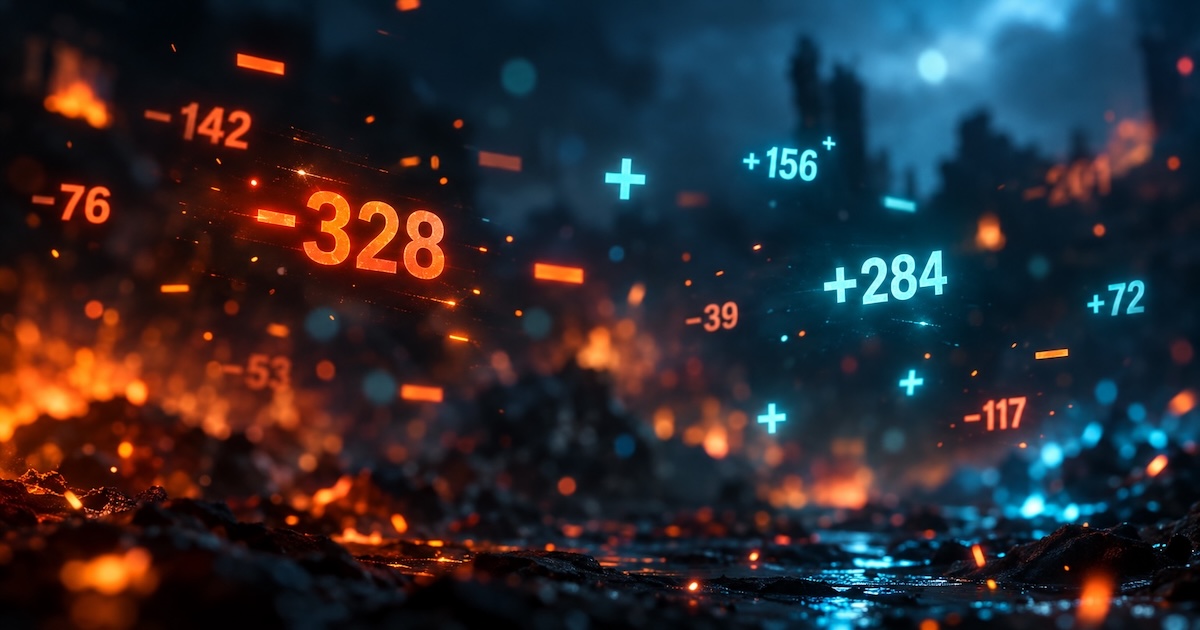
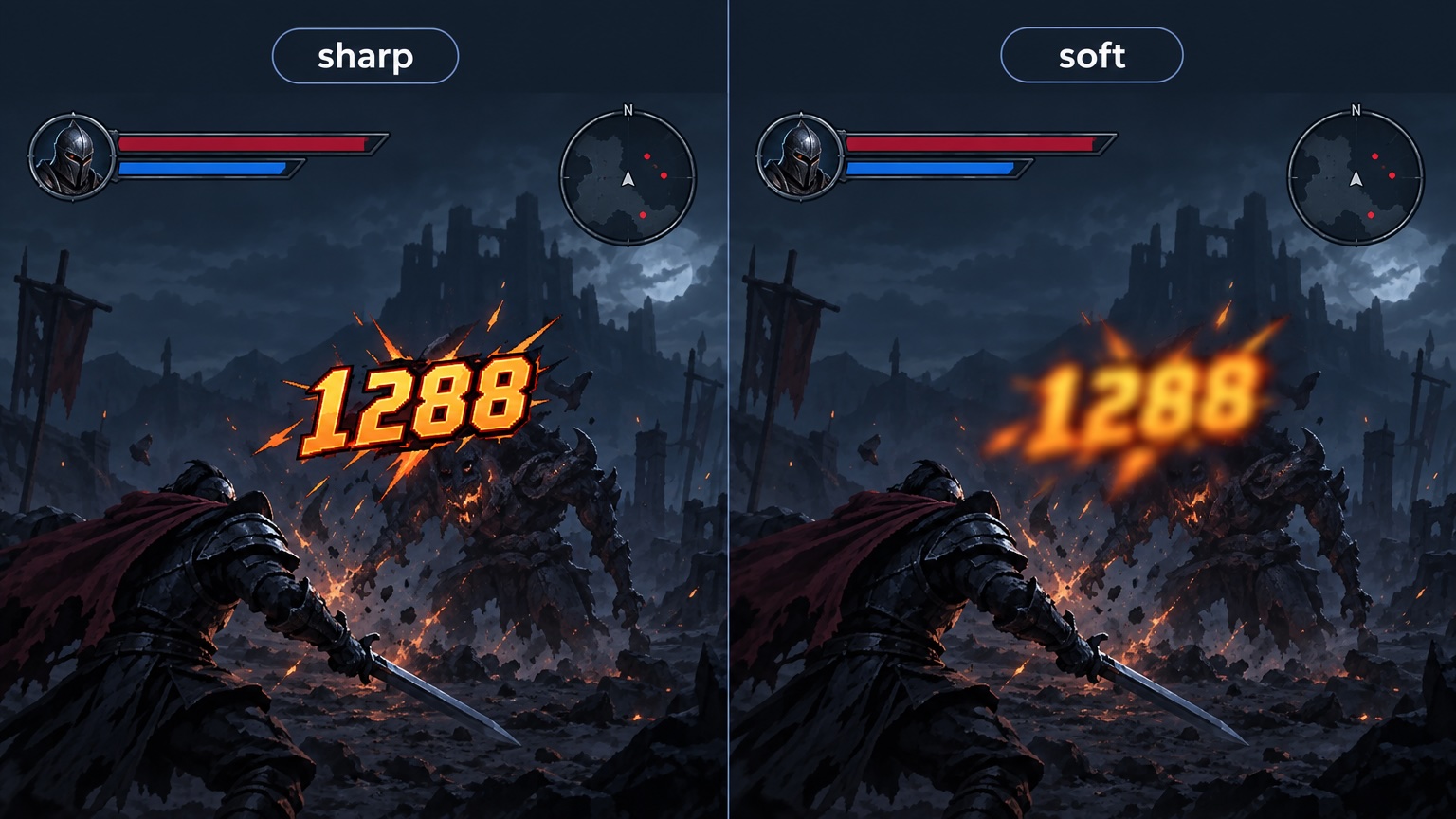
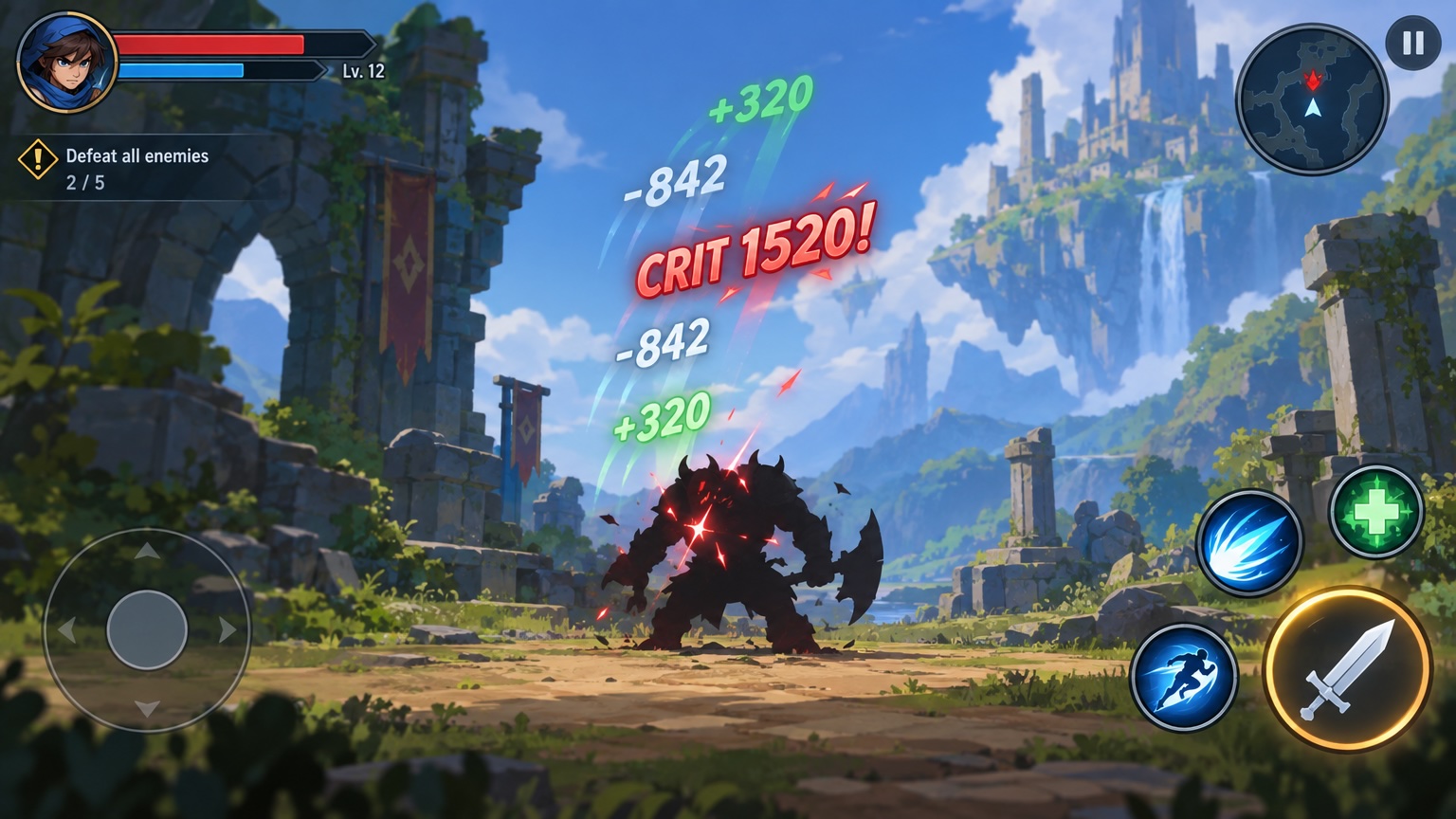
When ten hits land in one second, floating text issues are rarely fixed by “bigger font”: sharp in Editor, soft on device; crit color works but “K” or minus is missing; numbers sit on HUD buttons and steal taps; or Instantiate spikes GC. Popups are high-frequency, short-lived UI—accept them separately from static HUD.
Below focuses on Unity UGUI / TextMeshPro (RectTransform, Canvas, sortingOrder). Godot: Label + Theme / bitmap; Cocos: Label + bitmap font + pool—same criteria and step order. Static HUD shell: engine + MCP checklist. Pre-ship item 3 (“blurry art / damage numbers”)—retest on Release devices.
Fail criteria (any one = not passed): readability hurt (blur, clip, missing glyphs); combat frame time clearly worse than no-popup baseline on target devices; popups block required taps with raycasts still on; crit/heal/miss visuals don’t match data-driven spec; number formatting inconsistent with design table (e.g. 1.2K vs 1200 mixed).
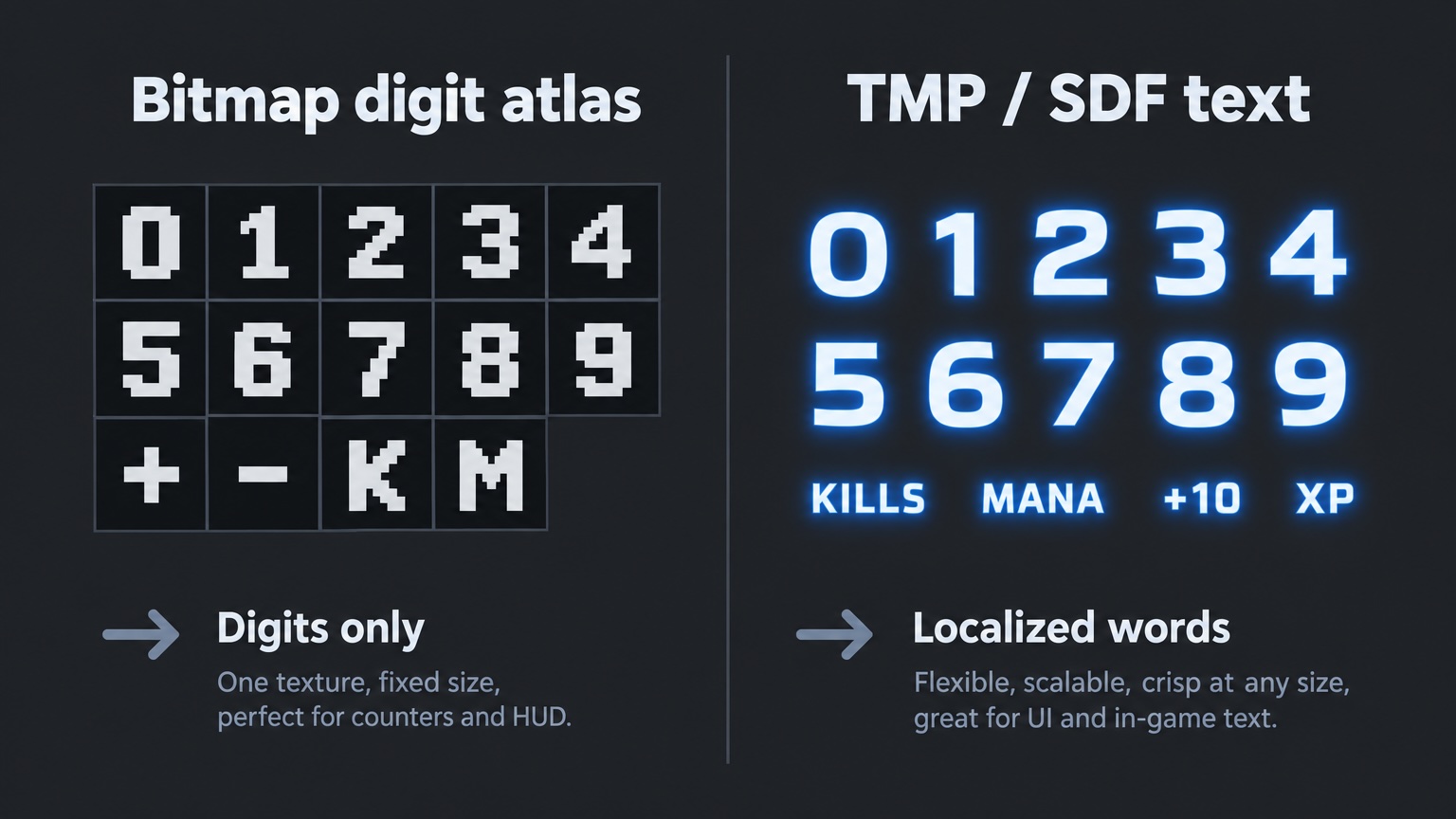
Choose first: TMP or bitmap digits
| Scenario | Better fit | Typical pitfall |
|---|---|---|
Digits + few symbols (0-9 . + - %) | Bitmap / custom digit mesh | Charset gaps; wrong filter → blur |
| Full localized strings (“Critical”, “Immune”) | TMP + string table | Width jitter when mixed with digits |
| Heavy outline, gradient, animated style | Bitmap or frame sequence | Missing state → wrong color fallback |
| Prototype | Default TMP SDF | No reference resolution → soft on device |
If device blur persists: Canvas Scaler reference, TMP padding/atlas, bitmap Filter Mode (often Point)—then charset or SDF quality. See bitmap font charset planning and pre-ship item 3.
Unity: build and accept (6 steps)
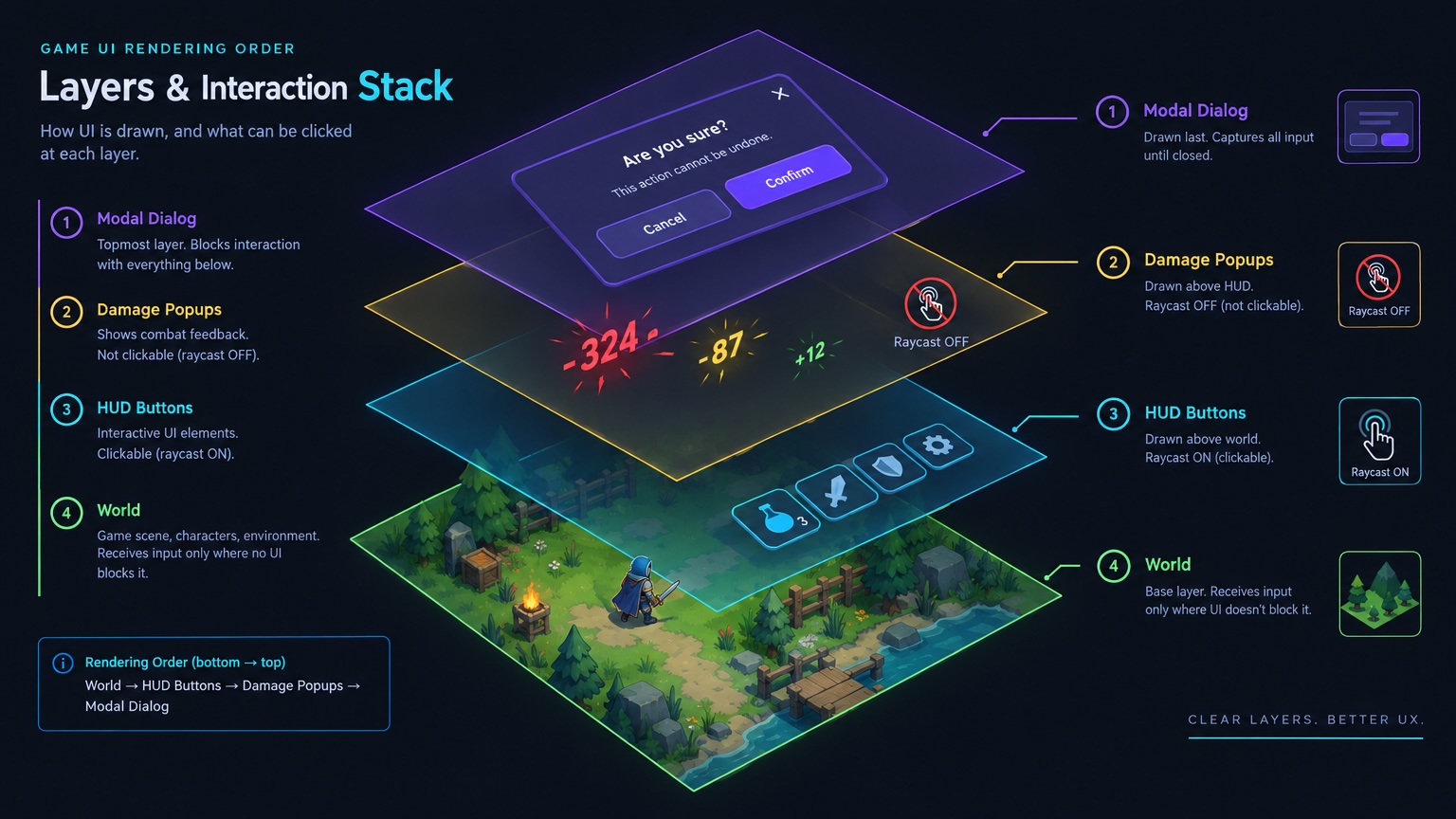
1. Dedicated Canvas or explicit sort
- Use a dedicated Canvas (
Screen Space - Cameraaligned with combat camera) or a HUD child layer. - Set
sortingOrderabove world UI, below modal popups;raycastTarget = falseon popup graphics. - World popups: one shared World Canvas—not one Canvas per number.
2. Object pool
- Prewarm ≥ peak on-screen count (stress from skills; often 16–32 minimum).
- On recycle: reset position, alpha, scale, animation state, text.
- No per-hit
Instantiate/Destroy.
3. Separate data from presentation
- Combat emits
DamagePopupEvent(value, type, world pos/attach point, crit flag). - Presentation picks color, prefix, abbrev (K/M/B), curves.
- Design table maps type → style Prefab (Normal / Crit / Heal / Miss / Block).
4. Motion and readability
- Typical: float up + fade + slight scale; 0.4–0.8s; stagger or queue on same anchor.
- Same-frame multi-hit: merge or offset 1–2 frames to avoid overlap.
- If size follows camera distance, use one world scale rule—don’t mix with UI Canvas scale twice.
5. Charset and formatting
- Bitmap: verify
0-9 . , + - % x K M Band project abbrev rules. - TMP: split fields or sprites—don’t rely on one string to switch fonts.
- With locale overflow: don’t rasterize full localized sentences as popup art.
6. Device smoke
- Dev and Release: 30s mob swarm, multi-tick boss skill, low-RAM device.
- Compare frame time with vs without popups; screenshot crit/heal/miss each once.
- Pass criteria live in Prefab + pool config, not test Scene only.
Design handoff (digits and states)
| Delivery | Use |
|---|---|
| Digit art or TMP styles per state (Normal/Crit/Heal/Miss) | Table-driven Prefab/Material |
| Outline/shadow at target resolution | Device sharpness check |
| Crit/combo color + icon on digits | Avoid hard-coded tints in code |
| Charset scope (digits only vs localized units) | Bitmap or string table |
Design handoff checklist: if popups are raster, spec per-locale or not; default bitmap digits + TMP labels.
Fix routing
| Symptom | Likely cause | Action | Owner |
|---|---|---|---|
| Soft on device, sharp in Editor | Scaler / SDF / bitmap filter | Align reference res; Point filter; SDF padding | Engineering |
| Missing glyphs | Charset / symbols | Extend charset; or TMP | Engineering + Design |
| Blocks buttons | Sort / raycast | Lower order or disable raycast | Engineering |
| Stutter | No pool / too many FX+text | Pool; merge same-frame pops | Engineering |
| Wrong crit look | Hard-coded colors | Type→Prefab; design states | Engineering + Design |
| Split from HUD style | Two font pipelines | Unify font source or Theme | Design + Engineering |
FAQ
Must popups be World Space?
No. Fixed 2D often uses Screen Space - Camera; free 3D cameras often use World Canvas. Pick one and document it.
UI particles for flair?
Fine for FX; digits stay Label/TMP/mesh for locale and pooling.
One script with damage logic?
Emit events from logic; presentation toggle (ShowDamageNumbers) for tests and accessibility.
Large numbers?
One formatter rule from design; single implementation—no copy-paste across UI scripts.
Keep reading
More guides you might like
Unity Game Engine MCP Plugin: Boost Your Game Development Workflow
Walk through the VberAI Unity MCP Plugin demo: connect Unity to AI tools via MCP and drive GameObjects, scripts, and scenes with natural language.
- video
- tutorial
- unity
- mcp
Mobile HUD Information Hierarchy: What to Show in Combat, Lobby, and Modals
HUD visibility and priority by game state; how it ties to Safe Area, floating text layers, and modal stacking—spec tables plus Play and device acceptance steps.
- game-ui-design
- game-dev-ai
- ui-to-engine
- hud
Cocos Creator 2.x MCP Install: packages Folder & Cursor Setup
Cocos Creator 2.x MCP Pro install: unzip to packages, restart, activate, start MCP Server, verify in Cursor—not the 3.x package.
- cocos
- cocos-creator
- mcp
- cursor