
VberAI Audio Guide: Game Voice, SFX, and Music That Iterate Faster
Generate game voice, monster VO, SFX, and music in VberAI Studio: prompt formulas, samples, a gothic dungeon case, tips, and free libraries.
- vberai
- ai-studio
- game-audio
- voiceover
- sfx
- music
- prompt
- tutorial
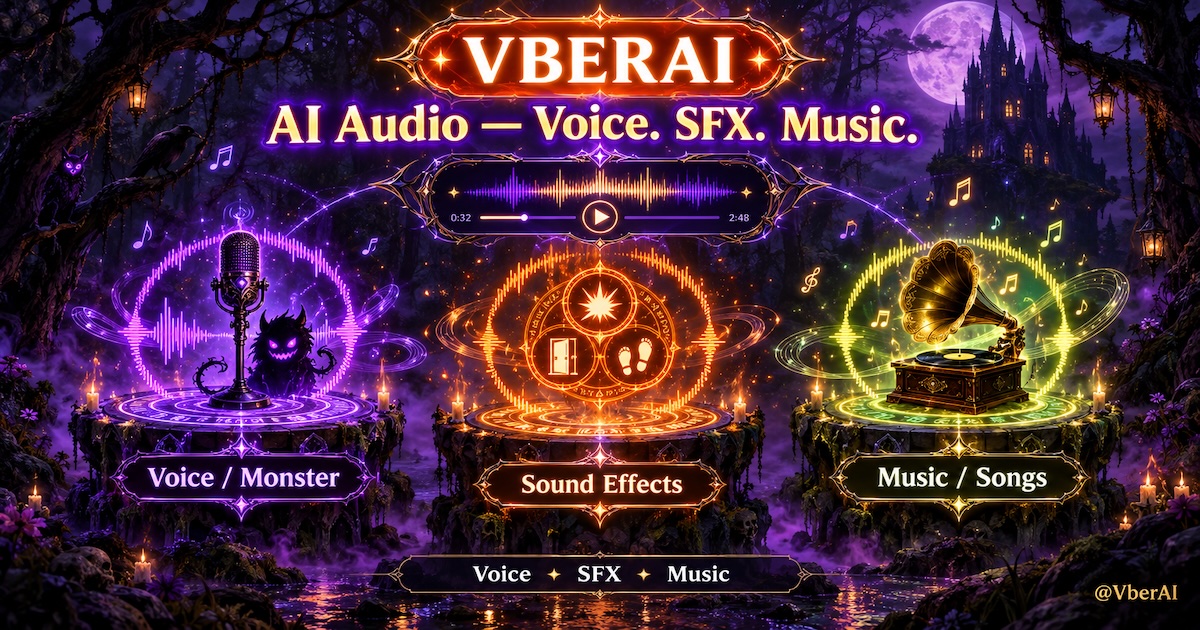
In a game, sound is not “background.” It is feedback: whether a button registered, a skill hit, or a boss entrance feels oppressive. Players often confirm those moments with their ears first. Audio is also the layer small teams postpone—contract VO billed per line, messy SFX library versions, scores that fit the mood but not the license. One design change means another round of handoffs.
VberAI Studio (AI Studio) puts voice, SFX, and music generation on the same game canvas: describe the asset in text, then trim, split, and attach it to Spine / frame sequences / UI events before exporting in engine formats. This article does not cover the UI chrome (layers and tools: AI Studio audio layers). It covers one thing: how to write prompts so you rework less.
Three audio generation capabilities
| Capability | Entry | Typical output | Game use |
|---|---|---|---|
| Voice / monster VO | Voice / Monster VO | Dialogue, narration, creature calls | Story, NPCs, boss intros, hit groans |
| Game SFX | Sound Effect | Interaction, combat, short ambience | UI clicks, skills, doors, footsteps, loops |
| Music / songs | Music / Song | BGM, themes, beds | Main menu, level loops, cutscenes, events |
All three share one order: what it is, how it feels, then how long and what it is for. The sections below unpack each.
Voice / monster VO: dialogue, narration, and creature calls
When to use it
- Prototype dialogue first—check pacing and information density before booking a human session
- Large volumes of short NPC lines (merchants, guards, quest hints) where per-line cost adds up
- Monster VO: roars, whispers, hits, deaths—hard to record, expensive to outsource
- Localized versions: keep one timbre per character, swap only the line
Prompt formula
role + timbre + emotion + pace / intonation + language + lineExamples
Deep, raspy elderly wizard. Slow and mysterious, slight echo. English:
"Welcome to my dungeon, mortal."Mid-size demon knocked back. Chest-resonant growl, anger turning to pain, no dialogue, about 1.2 seconds.Timbre references
Describing a voice as “like X” is more stable than stacking adjectives. Useful anchors:
- Cool female caster: Diablo III Wizard (female)—cold, restrained
- Steady male caster: Diablo III Wizard (male)—low, scholarly
- Demon / succubus: Lilith-like breathy whisper; chest-resonant growl with non-human processing
Once a voice is approved, save it with Voice presets and reuse it across scenes instead of re-describing the character every line.
Game SFX: UI, skills, and short ambience
When to use it
- UI feedback: click, page change, confirm, error
- Combat feedback: hit, block, crit, skill start / impact / dissipate
- Environment: doors, footsteps, torches, drips, short wind loops
- Prototype placeholders in bulk, then replace by feel
Prompt formula
action + material + space + duration + styleExamples
Heavy wooden door creaks open with chain friction. Dungeon reverb. 1.5 seconds.Metal shortsword hits leather armor. Dull thud with a short metallic tail, no room reverb, 0.4 seconds, realistic.8-bit retro coin collect. Two rising notes, bright, 0.3 seconds.Style anchors
“Style” is the easiest word to leave empty. Named libraries or genres work better:
- Physical / realistic: Strata Physics-like crack, impact, and friction
- Electronic / sci-fi: Deep Tech – Kenno Sample Pack-like low pulses and synth UI
- Pixel / retro: 8-bit chip tones, square wave and noise, short and clean
Music / songs: level BGM and themes
When to use it
- Main-menu and level BGM loops
- Cutscenes and boss-fight mood shifts
- Event-skin themes aligned with one-click reskin
- Trailer / frame-sequence scores
Prompt formula
style + mood + instruments + tempo / BPM + duration + useExamples
Dark gothic, Halloween theme. Pipe organ, glockenspiel, low drums.
Medium tempo, tense and mysterious. Seamless loop, 30 seconds, level BGM.Soft solo piano, warm and slightly nostalgic, slow ~70 BPM, no drums, 60 seconds, main-menu idle.Style anchors
- 8-bit chiptune: platformers, retro pixel projects
- Cinematic game score: strings + brass + percussion for bosses and cutscenes
- Soft piano: menus, memory scenes, results screens
Case study: a gothic dungeon sound set
Assume a dark gothic dungeon. You need three assets: monster intro VO, fire-spell SFX, Halloween event BGM.
1. Monster intro VO
Giant gargoyle sentinel. Voice like grinding stone, extremely low and slow, church reverb.
Contempt under the anger. English:
"Another one coming to their death."Target: 4-7 seconds; stress on “die,” trail the last syllable; reverb tail about 1 second. If it sounds too human, add “non-human, remove breath.”
2. Fire-spell SFX
Fireball from a staff: a short inhale-like whoosh, then a low-frequency burst,
with flame crackle and light metal resonance, stone-chamber reverb, 1.8 seconds total, dark fantasy.Target: three stages (start → burst → decay); lows must not bury the mid crackle. To layer in-engine, Split the clip into “start” and “burst” so each cast phase can trigger separately.
3. Halloween BGM
Dark gothic, Halloween theme. Pipe-organ melody, glockenspiel accents, steady low drums,
about 90 BPM, tense and mysterious but not horror, seamless loop, 30 seconds, event-hall bed.Target: head and tail should join; glockenspiel only at phrase ends so it does not crowd. If the loop point clicks, use AI audio extend on the tail and trim again.
After generation, all three sit on the same canvas: VO on the boss intro frames, SFX on the skill frames, BGM as a looping layer—then export WAV / OGG for Unity / Godot / Cocos.
Prompt-writing tips
- Role first, adjectives second: name who or what it is, then add timbre. “Elderly wizard, raspy” beats “raspy, mysterious, low voice.”
- Write emotion as a change: “anger turning to pain” matches a hit reaction better than “angry.”
- Always specify space: dungeon, stone room, open field, dry—this decides whether you still add Reverb in-engine.
- Duration to 0.1 s: short SFX 0.3–0.6 s, doors 1–2 s, VO from line length.
- Call out loops: write “seamless loop” for BGM and ambience, or you get a piece with a start and an end.
- End with use: “main-menu idle,” “hit feedback”—these words affect dynamics and density.
- Iterate with negatives: “remove breath,” “no vocals,” “no drums” is more stable than rewriting the whole prompt.
- Dialogue follows spoken language; SFX and music do not: write spoken lines in the language the character will say; SFX and music are shared across locales—do not make a “translated” copy. Instrument and genre names are usually more stable in English.
Free voice, SFX, and music libraries
Generated audio is not the only option. Reference and placeholder material still helps. The sources below are free to obtain; check each item’s license before commercial use.
SFX
| Source | Use | License notes |
|---|---|---|
| Freesound | Large user-uploaded SFX library | Mix of CC0 / CC-BY / CC-BY-NC; check each file |
| ZapSplat | Catalogued production SFX | Free tier needs credit; paid tier does not |
| Mixkit | SFX + music | Mixkit License, commercial use allowed |
| Kenney | Game UI / interaction packs | CC0, lowest friction |
| Sonniss GDC | Yearly GDC professional packs | Royalty-free commercial use; no redistribution |
| OpenGameArt | SFX + music + art | CC0 / CC-BY / GPL and others; check each file |
| Taira Komori | Japanese-style game SFX | Free including commercial; no redistribution |
Voice / speech
| Source | Use | License notes |
|---|---|---|
| Coqui TTS | Open-source TTS models and voice packs | Licenses vary; confirm before commercial use |
Music
| Source | Use | License notes |
|---|---|---|
| Pixabay Music | Multi-genre BGM | Pixabay Content License; commercial OK, no verbatim redistribution |
| Incompetech | Classic free score library | CC-BY 4.0 needs credit; paid option drops the credit |
| NCS | Electronic music | Creator use needs credit; in-game commercial use needs a separate license |
A practical habit: pick a close free clip as a “style reference,” then write “texture like X” in the prompt. That usually lands faster than adjectives alone.
Wrap-up
When voice, SFX, and music are outsourced on three tracks, the expensive part is not a single asset—it is aligning the three chains. Generating, trimming, splitting, attaching, and exporting on one canvas lets a team hear full feedback in prototype, then decide which clips deserve a human session or a specialist pass.
The prompt core is one sentence: name the role, the feel, the space, the duration, and the use. Write in that order and rework drops.
Try the gothic set in VberAI Studio, compare the result to the targets above, then tighten your own prompt templates.
Keep reading
More guides you might like
Floating Damage Numbers: Handoff Acceptance and Engine Implementation
Fail criteria when popups blur, miss glyphs, sort wrong, or stutter; choosing TMP vs bitmap digits, pools and Canvas order, Unity UGUI acceptance steps, and how design digit art plugs in.
- game-ui-design
- game-dev-ai
- ui-to-engine
- bitmap-font
AI Tools for Godot and Unity Development: How MCP and AI Studio Split the Work
AI tools for Godot and Unity by stage: Cursor, Claude Code, Cline, engine MCP, AI Studio UI handoff, matting—where VberAI fits in 2026.
- ai-tools
- godot
- unity
- mcp
How to Set Up Cocos Creator MCP with Cursor and Claude (Video Tutorial)
Connect Cocos Creator MCP to Cursor or Claude: install the plugin, configure Model Context Protocol, and verify AI can control the editor.
- cocos
- cocos-creator
- mcp
- cursor